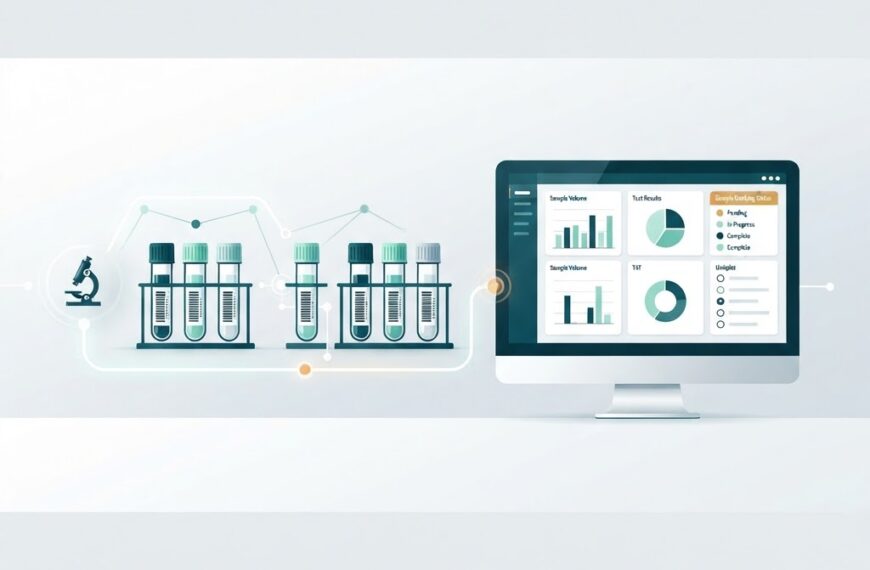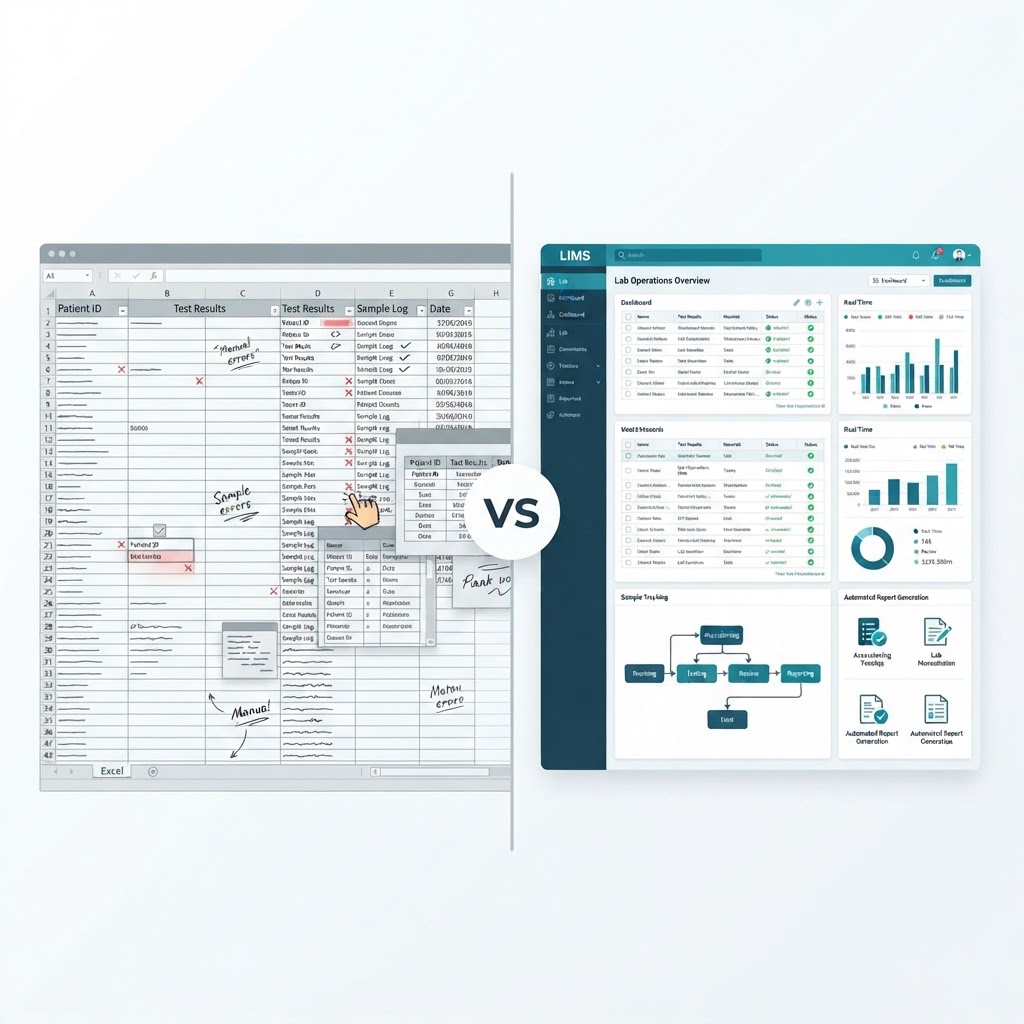

Most diagnostic laboratories start the same way: a few test panels, a handful of patients, and a spreadsheet to track everything. Excel is free, familiar, and flexible. For a lab processing ten samples a day, it works. But as sample volumes grow, test menus expand, and accreditation deadlines loom, spreadsheets quietly become the biggest operational risk in the lab.
This article breaks down exactly where Excel works for lab management, where it breaks down, and what changes when a lab moves to a Laboratory Information Management System (LIMS). If you are new to the concept, our earlier guide — What Is LIMS? A Complete Guide to Laboratory Information Management Systems — covers the fundamentals.
Why Labs Start With Excel
There is nothing wrong with using a spreadsheet early on. When a lab is small, the tradeoffs favor Excel:
- Zero setup cost. No software to buy, configure, or maintain.
- Universal familiarity. Everyone knows how to open and edit a spreadsheet.
- Flexibility. You design columns for whatever you track — patient name, test type, result, date.
For a single-branch lab with under thirty samples a day and no immediate plans for accreditation, a well-structured spreadsheet is genuinely adequate.
The problem is that labs rarely stay that small.
Where Excel Breaks Down
As a lab grows, the same flexibility that made Excel attractive becomes its biggest weakness. Here are the specific failure points.
No Audit Trail
ISO 15189 — the international standard for medical laboratory quality and competence — expects laboratories to maintain traceability of data throughout its lifecycle. That means every change to a result, every access to a record, and every correction must be logged.
Excel does not do this. A cell can be overwritten in two seconds, with no record of the previous value, who changed it, or when. For an auditor, a spreadsheet with freely edited cells is a data-integrity red flag.
Manual Data Entry Errors
When technicians copy results from instruments into spreadsheet cells, transcription errors are inevitable. A single mistyped digit — say, a glucose value of 180 entered as 18 — can trigger a wrong diagnosis. Excel has no built-in validation to flag biologically impossible values or catch duplicate sample IDs.
A LIMS, by contrast, captures results directly from analyzers through instrument interfaces and applies auto-validation rules. The technician never touches the data.
No Sample Tracking
In a spreadsheet, tracking a sample from collection to reporting means manually updating rows across multiple sheets. When a sample moves from accessioning to the chemistry analyzer to the review queue, the spreadsheet does not reflect the transition in real time.
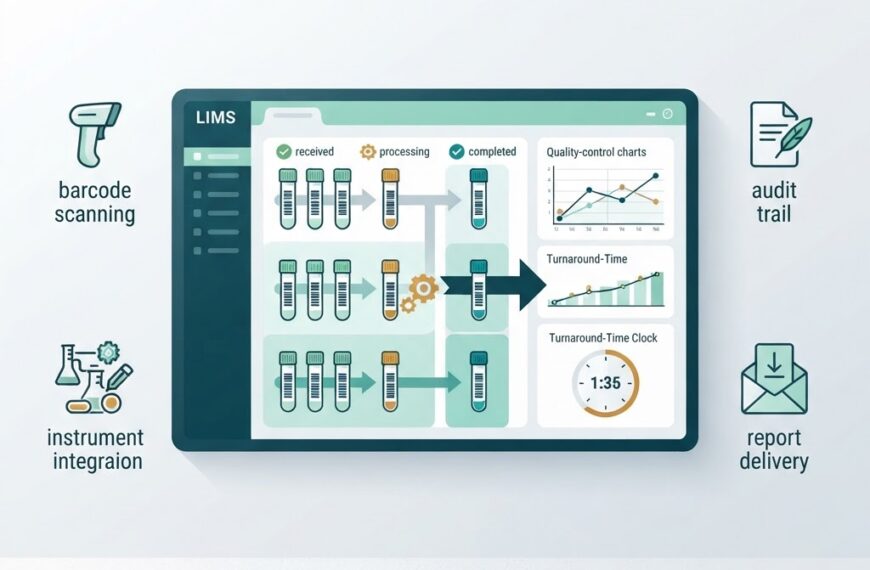
LIMS software assigns a unique barcode to each sample at collection. Every movement — accession, processing, result entry, validation, report — is logged automatically. Any team member can search a sample ID and see exactly where it is in the workflow.
Version Control Chaos
When two lab staff members open the same spreadsheet, one of them will overwrite the other’s changes. Shared spreadsheets on cloud drives help, but they do not prevent conflicting edits, and they do not show who saved which version.
A LIMS uses a centralized database with role-based access. Two technicians can work simultaneously, and the system handles locking, conflict resolution, and a full history of changes.
Reporting Is Manual
Generating a patient report in Excel means formatting a sheet, entering results, and printing — every time. There is no template automation, no automatic critical-value flagging, and no option to deliver the report digitally to a referring physician.
LIMS platforms generate formatted, standardized reports automatically. Results flow from instruments through validation rules to patient-ready reports without manual formatting.
Feature Comparison: LIMS vs Excel
| Capability | Excel / Spreadsheets | LIMS |
|---|---|---|
| Sample tracking | Manual across sheets | Barcode-based, real-time |
| Audit trail | None — cells overwrite silently | Full, timestamped, user-attributed |
| Instrument integration | Manual copy-paste | Automated via HL7, ASTM, or direct interfaces |
| Report generation | Manual formatting per report | Automated templates, digital delivery |
| Data validation | Formula-based, inconsistent | Built-in clinical rules, auto-validation |
| Access control | File-level only | Role-based, per-field permissions |
| Accreditation support | None | ISO 15189 / NABL-compliant workflows |
| Scalability | Degrades as volume grows | Designed for multi-branch, high-volume |
| Multi-branch operation | Separate files per branch | Centralized, unified database |
The Compliance Gap
For Indian diagnostic labs, NABL (National Accreditation Board for Testing and Calibration Laboratories) accreditation follows the ISO 15189 standard. The standard expects documented data integrity, access control, and audit trails — none of which a spreadsheet can reliably provide.
During a NABL assessment, auditors look for evidence that results are traceable from sample receipt to report delivery. They examine:
- Who accessed or modified a result
- When the modification happened
- What the previous value was
- Whether the system prevents unauthorized changes
A spreadsheet cannot answer most of these questions. When an auditor asks “who changed this result on Tuesday afternoon,” the answer is usually a shrug.
A LIMS answers each of these questions through its audit log — a non-editable record that captures every action with a user ID and timestamp.
The Hidden Cost of Staying on Excel
Spreadsheets appear free, but the operational costs accumulate:
- Time lost to manual tasks. Copying results, formatting reports, and reconciling sheets across staff takes hours every week that could be spent on quality work.
- Error rework. Transcription errors, duplicated records, and lost samples all require investigation and correction.
- Accreditation risk. A lab that cannot demonstrate data integrity to an auditor risks losing accreditation — and the business that comes with it.
- Growth ceiling. A lab on Excel cannot easily open a second branch or add collection centers, because each location would need its own isolated spreadsheet.
These costs are rarely visible on a balance sheet, but they show up in staff overtime, patient complaints, and audit findings.
When to Switch From Excel to LIMS
There is no single threshold, but these signals indicate it is time:
- Your sample volume has grown beyond 50–100 per day and manual tracking is creating delays
- You are preparing for NABL accreditation or renewing it
- You have more than one branch or collection center
- Your staff is spending more than an hour per day on data entry and report formatting
- You have experienced a sample mix-up or a reporting error caused by manual processes
If two or more of these apply, the spreadsheet is already costing more than a LIMS would.
What Changes When You Switch
Labs that transition from Excel to a LIMS typically report three immediate changes:
- Results flow faster. Instrument interfaces and auto-validation rules cut the time from sample receipt to report delivery.
- Data is trustworthy. Audit trails and access controls transform an audit from a stressful exercise into a routine check.
- The lab scales without restructuring. Adding a branch or a collection center is a configuration step, not a new spreadsheet.
A Practical Path: IdLabNet
Ideativemind’s LIMS product, IdLabNet, is built for exactly this transition. It supports barcode-based sample tracking, automated report generation, role-based access control, and multi-branch operations — the capabilities that spreadsheets lack.
For labs currently on Excel, IdLabNet provides a structured migration path: your existing patient and test data can be imported, and the team can move from manual to automated workflows without disrupting daily operations. You can contact Ideativemind to discuss a transition plan.
Frequently Asked Questions
Can Excel be validated for ISO 15189 compliance?
While it is theoretically possible to add controls to a spreadsheet (locked cells, version history, change logs), the effort required to make Excel meet ISO 15189 data-integrity requirements is significant and ongoing. Most auditors treat spreadsheets as non-compliant systems. A purpose-built LIMS is designed to meet these requirements out of the box.
Is a LIMS affordable for a small lab?
Cloud-based LIMS platforms typically use subscription pricing, which means the cost scales with usage. For a small lab, the monthly cost is often comparable to the cost of staff hours spent on manual spreadsheet management.
How long does it take to switch from Excel to a LIMS?
For a single-branch lab with a straightforward test menu, a LIMS can be configured and staff trained within one to two weeks. Multi-branch implementations take longer, depending on the number of locations and the complexity of the test menu.
Does a LIMS replace every spreadsheet in the lab?
Not necessarily. Some administrative tasks — like expense tracking or scheduling — can remain in spreadsheets. A LIMS replaces the core laboratory workflows: sample tracking, result management, reporting, and quality control.
Conclusion
Excel is a fine starting point for a diagnostic lab. It is not a fine permanent home. As volumes grow, test menus expand, and accreditation becomes a requirement rather than an option, the limitations of spreadsheets shift from inconvenience to operational risk.
The question is not whether to switch, but when. If your lab is spending more time managing data than generating results, the answer is: now.

 By
By