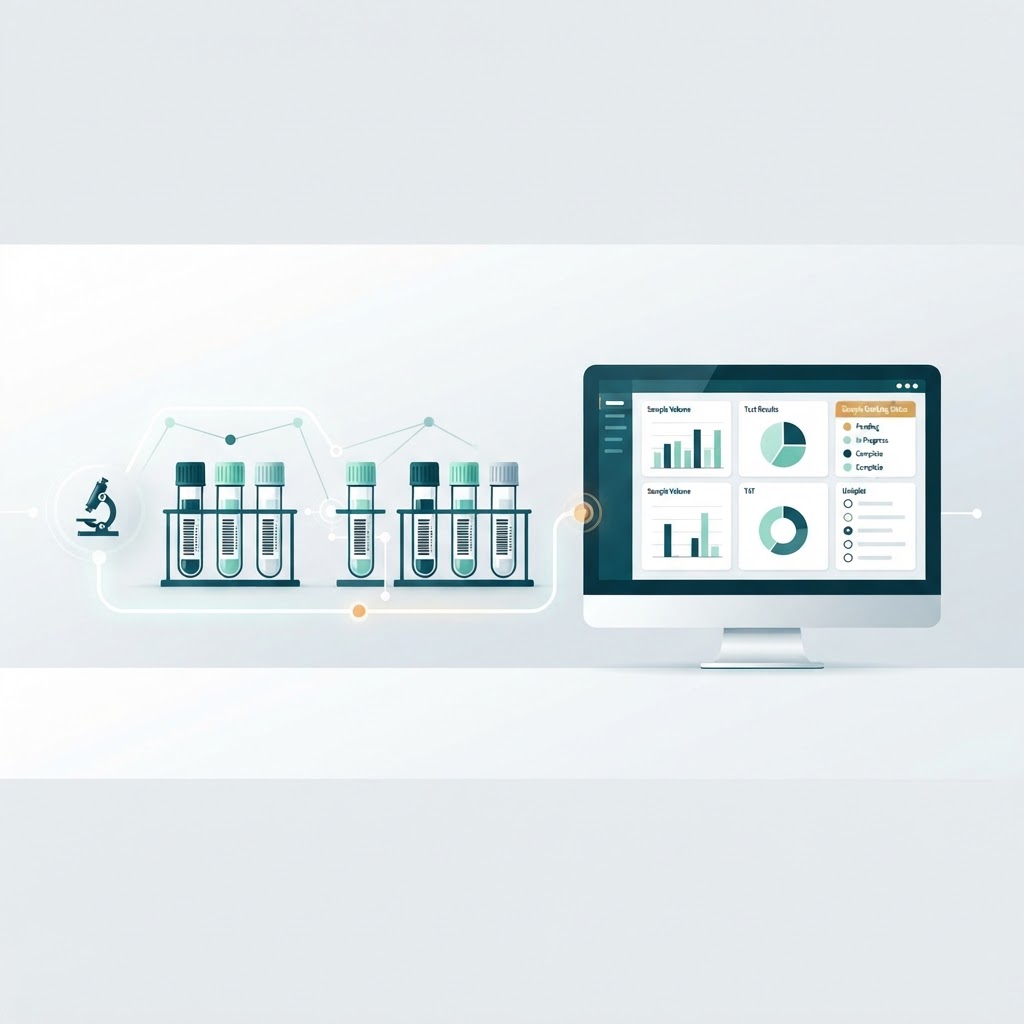

Walk into most diagnostic laboratories on a busy morning and you will see the same picture: a queue of patients at the registration counter, racks of sample tubes waiting to be labelled, a pile of paper requisition forms, and a phone that keeps ringing with one question — “Is my report ready?”
Most labs run this way for years. It works, more or less, until it doesn’t. A sample gets mislabelled. A report goes missing. A patient calls four times for the same result. An audit asks for records nobody can find quickly. The lab grows — a second branch, a third — and the manual system quietly turns into the biggest bottleneck in the business.
This is the problem a Laboratory Information Management System, or LIMS, exists to solve. In this guide, we’ll break down what a LIMS is, what it actually does day to day, how it changes a laboratory’s operations, and who benefits from one.
What is LIMS?
LIMS stands for Laboratory Information Management System. It is software that manages laboratory samples and all the information around them — from the moment a sample is registered or collected to the moment the final report is delivered and archived.
Think of it as the operational backbone of a laboratory. Instead of registers, spreadsheets, and loose paper forms, a LIMS keeps a single structured record for every sample: who the patient is, which tests were ordered, where the sample is right now, who analysed it, what the results were, who validated them, and when the report went out.
A few related terms are worth knowing:
- LIS (Laboratory Information System) — traditionally used for clinical and hospital labs, focused on patient results. LIMS traditionally covered industrial, research, and quality labs, focused on samples and workflows. In practice, the terms increasingly overlap, and modern systems for diagnostic labs handle both perspectives.
- ELN (Electronic Lab Notebook) — for research documentation and experiments, not routine sample workflows.
- For most diagnostic labs, when people say “lab software” or “pathology software,” they mean a LIMS or LIS built for clinical testing.
What does a LIMS actually do?
The exact feature set varies between products, but a LIMS designed for diagnostic laboratories typically covers the following areas.
Sample registration and tracking
Every sample gets registered once — with patient details, referring doctor, tests requested, and payment status — and receives a barcode or QR label. From that point, the sample is tracked at every step: collected, received, processed, analysed, stored, or discarded. Anyone with access can see exactly where a sample is and what is pending.
Workflow management
A LIMS routes samples through the lab’s process: which tests go to which department, in what order, with what priority. Stat (urgent) samples can be flagged so they move ahead of routine work instead of sitting in the same queue.
Result entry and validation
Results are entered manually or pulled directly from analysers through instrument interfaces. Senior staff validate results before release. Reference ranges, abnormal-value highlighting, and delta checks (comparing with a patient’s previous values) reduce the chance of a wrong report going out.
Quality control
QC runs — control samples, calibration records, Levey–Jennings charts — are recorded against the tests they support, so the lab can prove its results were reliable on the day they were produced. This matters both for patient safety and for accreditation.
Reporting
Reports are generated from templates with the lab’s branding, patient demographics, results, ranges, and interpretation. Most systems support PDF generation and digital delivery — by SMS, email, or WhatsApp — with a web portal or app where patients can download their reports.
Billing and administration
Test pricing, invoices, receipts, and package management sit next to the workflow, so the front desk and the lab operate from the same data. Many LIMS also manage inventory (reagents, kits, consumables) and flag expiring stock.
How LIMS works: the life of a sample
The clearest way to understand a LIMS is to follow one sample through it.
- Registration. A patient walks in (or books online). The front desk registers the patient and the requested tests. The system generates a barcode label and, if payment applies, an invoice.
- Collection. The phlebotomist collects the sample and scans the barcode, confirming collection against the right patient and the right order.
- Routing. The sample moves to the lab. Scans at each department update its status — received, in process — with timestamps at every step.
- Analysis. The technician runs the test. Results are entered directly or imported from the analyser into the sample’s record.
- Validation. A senior pathologist or lab manager reviews abnormal values, checks QC status for that test, and approves the report.
- Delivery. The approved report is released. The patient gets an SMS or WhatsApp notification with a link; the printed copy is available if needed.
- Archiving. The record is stored, searchable, and retrievable — for the patient’s next visit, for a doctor’s query, or for an audit — for as long as the lab’s policy requires.
Notice what changed: nothing in this flow depends on someone remembering, handwriting, or physically finding a piece of paper. The system holds the state; the people do the clinical work.
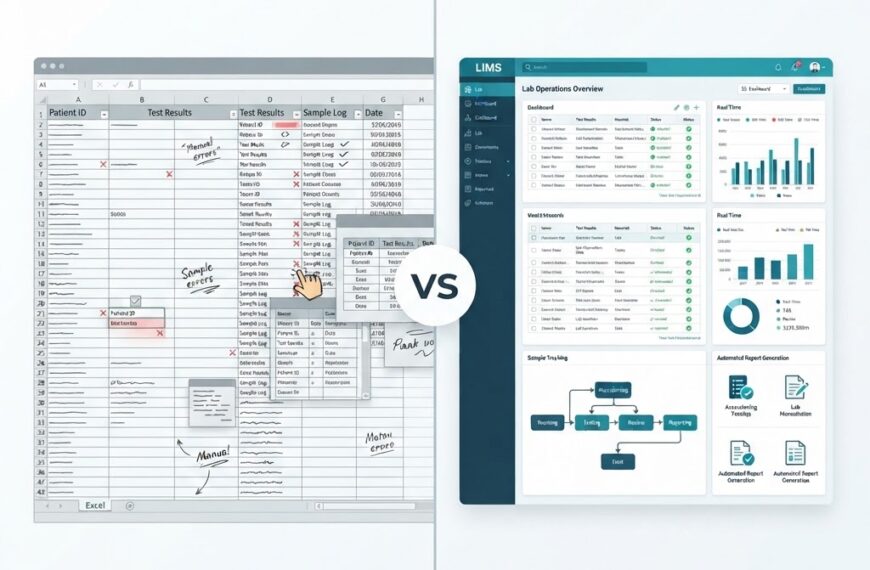
Manual records vs LIMS: what actually changes
| Task | With registers and spreadsheets | With a LIMS |
|---|---|---|
| Registration | Handwritten entries; duplicates possible | One digital record per patient, unique sample IDs |
| Sample tracking | Physically locating tubes; calling between departments | Barcode scan shows status in seconds |
| Result entry | Handwritten worksheets, retyping into reports | Direct entry or analyser interface; no retyping |
| Reports | Manual formatting, printing, physical handover | Template-based PDFs, SMS/WhatsApp/web delivery |
| Turnaround time | Invisible; known only when complaints arrive | Measured per test; bottlenecks visible |
| Corrections | Erasures, initials, unclear history | Complete audit trail of every change |
| Multi-branch | End-of-day reconciliation by phone or email | All branches in one system, live |
Who uses a LIMS?
- Diagnostic labs and pathology centres — the most common users, from single-location labs to multi-branch networks with franchise or collection-centre models.
- Hospital laboratories — often integrated with a hospital information system.
- Research and academic labs — for sample inventories and study data.
- Industrial and quality-control labs — for raw materials, finished products, and environmental testing, typically under ISO/IEC 17025 workflows.
For diagnostic labs specifically, a LIMS increasingly connects outward as well: to doctors who refer patients, to patient apps for report access, and to aggregators or health platforms. If you are thinking about the bigger picture of how laboratories modernise their technology, this is the same shift behind why cloud solutions matter for business scalability — most modern LIMS deployments are cloud-based for exactly these reasons.
Benefits that matter in daily operations
Fewer errors. The highest-value benefit is error reduction: no duplicate patient entries, no mislabelled samples, no transcription mistakes between worksheet and report, and validation steps that catch problems before release.
Faster turnaround. Because the system tracks every stage, delays become visible and fixable. Many labs discover their real bottleneck is not the testing — it’s registration or report formatting.
Compliance and accreditation. Standards such as ISO 15189 (medical laboratories) and accreditation programmes — in India, NABL accredits testing and calibration laboratories to ISO/IEC 17025 and medical labs to ISO 15189 — require documented processes, traceability, and quality control. A LIMS produces that documentation as a by-product of daily work rather than as a separate scramble before an audit.
Patient experience. Same-day digital reports, no repeated calls, and a portal patients can revisit are now baseline expectations for competitive labs.
Business visibility. Test volumes, revenue per test, branch comparison, and reagent consumption become questions the system answers — not guesses. For a lab owner deciding where to expand, that matters more than any single feature.
How do you know it’s time? Signs you’ve outgrown spreadsheets
There is no universal threshold, but these signals consistently predict it:
- More than roughly 30–50 samples a day, or any growth spurt that has staff retyping data.
- More than one location, or plans to open one.
- An accreditation goal (NABL or otherwise) on the roadmap.
- Regular complaints about delayed or missing reports.
- Any incident where a sample or report mix-up reached a patient.
If two or more of these are true, the cost of the software is almost certainly lower than the cost of the errors it prevents.
What to look for when choosing a LIMS
A short checklist for evaluation:
- Cloud-based unless you have a specific reason otherwise — lower IT burden, easier multi-branch access.
- Barcode-driven sample tracking, not just billing with a “lab module.”
- Instrument interfacing for your main analysers.
- Configurable report templates and digital delivery (SMS/WhatsApp/portal).
- Multi-branch and collection-centre support if growth is planned.
- QC and audit-trail capabilities aligned with accreditation requirements.
- Responsive vendor support — in a lab, software downtime is a business stoppage.
We’ll cover the selection process in depth in an upcoming article on how to choose LIMS software for diagnostic labs.
Conclusion
A LIMS replaces the lab’s paper spine — registers, spreadsheets, and phone calls — with a single system that tracks every sample, every result, and every report. The result is fewer errors, faster turnaround, audit-ready records, and a patient experience that matches what people now expect from every other digital service in their lives.
If you run a diagnostic laboratory and want to see how this works in practice, IdLabNet — a laboratory information management system built by Ideativemind for diagnostic labs, with multi-branch support, barcoded sample tracking, digital report delivery, and quality-control workflows — is a good place to start. You can explore it at idlabnet.ideativemind.com or talk to the Ideativemind team about a demo for your lab.

 By
By