
Why Cybersecurity Matters for Small Businesses
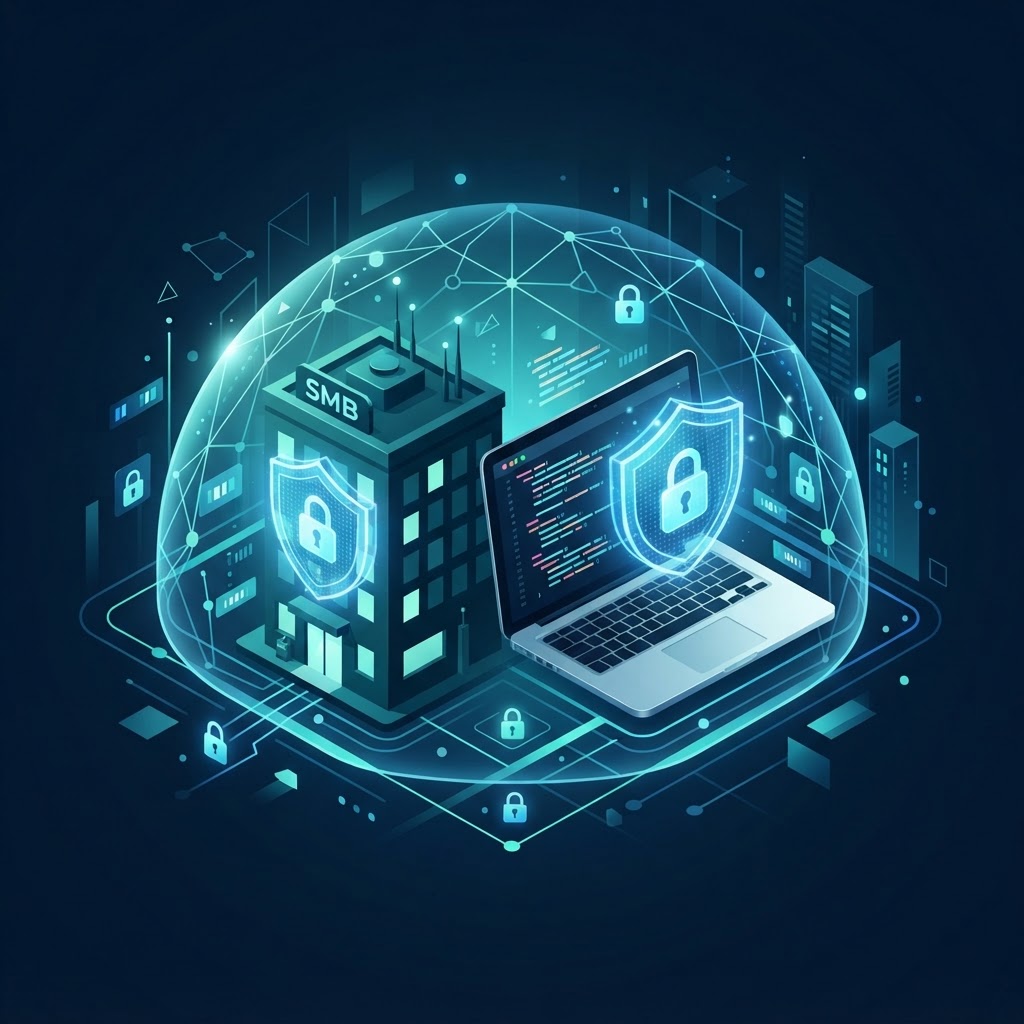
Many small business owners assume cybercriminals only target large corporations. In practice, small businesses are attractive targets precisely because they often lack dedicated security teams, formal policies, and enterprise-grade tools. A single ransomware infection, stolen customer database, or compromised email account can disrupt operations for weeks and erode customer trust built over years.
Cybersecurity does not require a massive budget. It requires understanding the threats that matter most, applying a handful of high-impact controls, and building habits that keep your business safer over time. This guide covers the cybersecurity basics every small business should know and implement.
Understanding the Main Threats
Before investing in tools, it helps to understand what you are protecting against. The most common threats to small businesses fall into a few categories.
Phishing and Social Engineering
Phishing is the practice of sending fraudulent emails or messages that appear to come from a trusted source, such as a bank, a vendor, or a colleague. The goal is to trick the recipient into clicking a malicious link, downloading malware, or sharing credentials. Social engineering extends this tactic to phone calls, text messages, and even in-person interactions.
Phishing remains one of the most widely reported attack vectors because it targets human behavior rather than technical vulnerabilities. A single employee clicking the wrong link can give an attacker access to your entire network.
Ransomware
Ransomware is malware that encrypts your files and demands payment in exchange for a decryption key. Once it infects one machine, it can spread across network drives and shared folders, locking down critical business data. Paying the ransom does not guarantee file recovery, and it may encourage further attacks.
Weak Passwords and Credential Theft
Reusing passwords across accounts, using simple passwords, or storing them in spreadsheets creates an easy entry point for attackers. Credential theft through phishing or data breaches at other services can expose your business if employees share passwords across personal and work accounts.
Unpatched Software
Outdated operating systems, applications, and plugins often contain known vulnerabilities that attackers can exploit automatically. Many breaches occur not through sophisticated hacking but through unpatched software that had an available fix for months.
The Essential Cybersecurity Checklist
You do not need to implement every security control at once. The following checklist covers the highest-impact measures for small businesses, organized by priority.
| Priority | Control | What It Prevents |
|---|---|---|
| Critical | Multi-factor authentication (MFA) | Account takeover from stolen passwords |
| Critical | Regular data backups | Permanent data loss from ransomware or hardware failure |
| Critical | Software updates and patching | Exploitation of known vulnerabilities |
| High | Employee security awareness training | Phishing and social engineering success |
| High | Strong password policy + password manager | Credential reuse and weak passwords |
| Medium | Firewall and network segmentation | Lateral movement of malware |
| Medium | Access control and least privilege | Unauthorized access to sensitive data |
Building Your Cybersecurity Plan
1. Enable Multi-Factor Authentication Everywhere
Multi-factor authentication requires users to provide a second verification factor beyond their password, such as a code from an authenticator app, a hardware key, or a biometric scan. MFA blocks the vast majority of account takeover attempts even when a password is compromised. Enable it on email accounts, cloud services, financial platforms, and any system that supports it.
2. Back Up Your Data Regularly
Reliable backups are your safety net against ransomware, accidental deletion, and hardware failure. Follow the 3-2-1 rule: keep at least three copies of your data, store them on two different media types, and keep one copy off-site or in the cloud. Test your backups periodically to confirm they restore correctly. A backup you cannot restore is not a backup.
3. Keep Software Updated
Enable automatic updates for operating systems, browsers, and critical applications. If automatic updates are not available, establish a monthly patching schedule. Remove or disable software you no longer use, as unsupported applications cannot receive security fixes and become liabilities over time.
4. Train Your Team
Employees are often the first line of defense and the most common entry point for attacks. Provide regular security awareness training that covers how to recognize phishing emails, the importance of strong passwords, safe browsing habits, and how to report suspicious activity. Short, focused training sessions repeated quarterly are more effective than a single annual seminar.
5. Use a Password Manager
A password manager generates and stores strong, unique passwords for every account, so employees never need to remember or reuse them. This eliminates the most common password risks: weak passwords, reuse across services, and insecure storage. Reputable password managers also alert you when a stored password appears in known data breaches.
6. Implement Access Controls
Follow the principle of least privilege: each employee should have access only to the systems and data they need for their role. When an employee leaves, revoke their access promptly. Use role-based permissions in your business applications rather than sharing a single admin account among multiple people.
Frameworks to Guide Your Strategy
If you want a structured approach to building your cybersecurity program, two widely recognized frameworks are designed to be accessible to organizations of all sizes.
NIST Cybersecurity Framework
The NIST Cybersecurity Framework organizes cybersecurity into five core functions: Identify, Protect, Detect, Respond, and Recover. It helps you understand what assets you have, how to protect them, how to detect incidents, how to respond, and how to recover. The framework is free and provides a common language for discussing cybersecurity across your organization.
CIS Controls
The CIS Controls, maintained by the Center for Internet Security, offer a prioritized set of actions that defend against the most common attacks. The controls are organized into Implementation Groups based on organizational size and risk, making them practical for small businesses that need to start with the basics and expand over time.
Cybersecurity and Business Operations
Cybersecurity is not an isolated IT concern. It connects directly to how your business operates day to day. If you are automating business processes, each new integration point and API connection expands your attack surface and should be secured. Moving to cloud solutions shifts some responsibility to your provider but does not eliminate it entirely. You remain responsible for access control, configuration, and data classification.
Similarly, digital transformation initiatives should include security planning from the start rather than as an afterthought. Building security into new systems is faster and less expensive than retrofitting it later.
Common Mistakes to Avoid
- Assuming you are too small to target. Attackers automate their work and cast wide nets. Any business with an internet connection is a potential target.
- Treating cybersecurity as a one-time project. Threats evolve, software changes, and new employees join. Security requires ongoing attention.
- Relying on antivirus alone. Traditional antivirus is one layer, not a complete strategy. Combine it with MFA, backups, updates, and training.
- Ignoring mobile devices. Phones and tablets that access company email or data need the same protections as laptops, including screen locks, updates, and remote wipe capability.
- Not having an incident response plan. When an attack happens, panic costs time. Write down the steps: who to call, how to isolate affected systems, and how to communicate with customers.
Getting Started
If your business has done little around cybersecurity, do not feel overwhelmed. Start with the three critical controls: enable MFA on your most important accounts, set up automated backups, and turn on automatic updates. These three steps alone dramatically reduce your risk. From there, add employee training, a password manager, and access controls as next steps.
If you need help assessing your security posture or implementing these controls, reach out to Ideativemind. We help businesses build practical security foundations that scale with growth, without unnecessary complexity.

 By
By