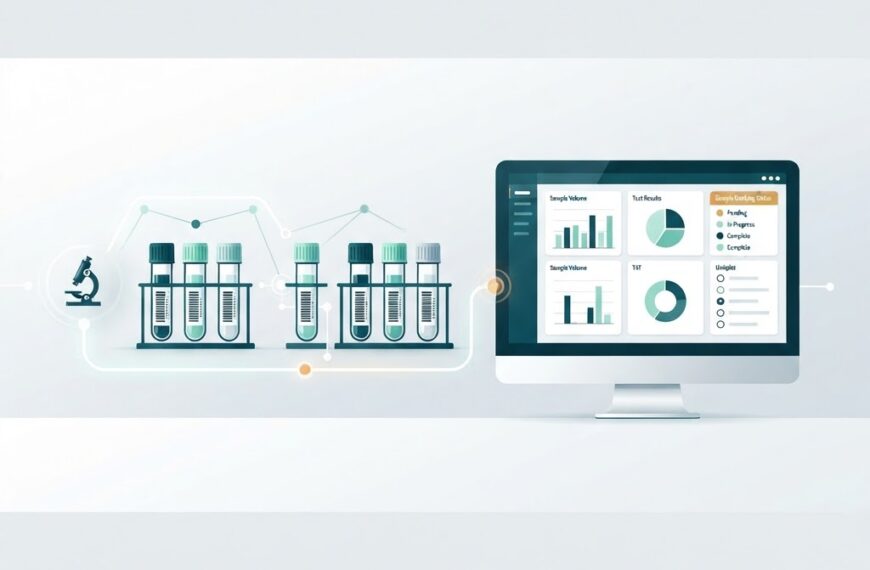

Selecting a Laboratory Information Management System (LIMS) is one of the most consequential technology decisions a diagnostic laboratory will make. The right system streamlines workflows, strengthens compliance, and scales with your lab. The wrong one becomes an expensive bottleneck that staff work around rather than with.
This buyer’s guide walks through what to evaluate, the features that matter most for diagnostic labs, and a practical framework for comparing options — whether you are replacing spreadsheets for the first time or upgrading from a legacy system.
Why the Selection Process Matters
A LIMS sits at the centre of daily lab operations. It tracks every sample from collection through reporting, manages patient and clinician data, controls test workflows, and holds the records you need for audits. Switching systems mid-operation is disruptive and costly, so the goal is to choose a platform that fits your lab today and for the next several years.
Diagnostic labs face pressures that general-purpose software does not address: regulatory accreditation (such as NABL in India), turn-around-time commitments, multi-branch operations, and integrations with analysers and hospital systems. A selection process that accounts for these realities prevents expensive course corrections later.
Start With Your Lab’s Requirements
Before evaluating any product, map your own operations. Document:
- Sample volume: How many samples per day, and what growth do you expect in 2–3 years?
- Test menu: Which departments and test types does the system need to support?
- Branch and collection-centre network: Will the LIMS need to serve multiple locations, and how are they connected?
- Integrations: Which auto-analysers, instruments, and external systems (hospital information systems, ERPs, patient apps) must connect?
- Compliance framework: Are you NABL-accredited or working toward accreditation? Do you need ISO 15189 alignment?
- Reporting needs: What formats do your referring physicians and patients expect — print, PDF, email, web portal, WhatsApp?
- User base: How many technologists, pathologists, front-desk staff, and administrators will need accounts?
This requirements document becomes the yardstick against which every product is measured. Without it, demos and feature lists become overwhelming.
Must-Have Features for Diagnostic Labs
Not every LIMS is built for diagnostics. When comparing options, prioritise these capabilities:
Sample Lifecycle Tracking
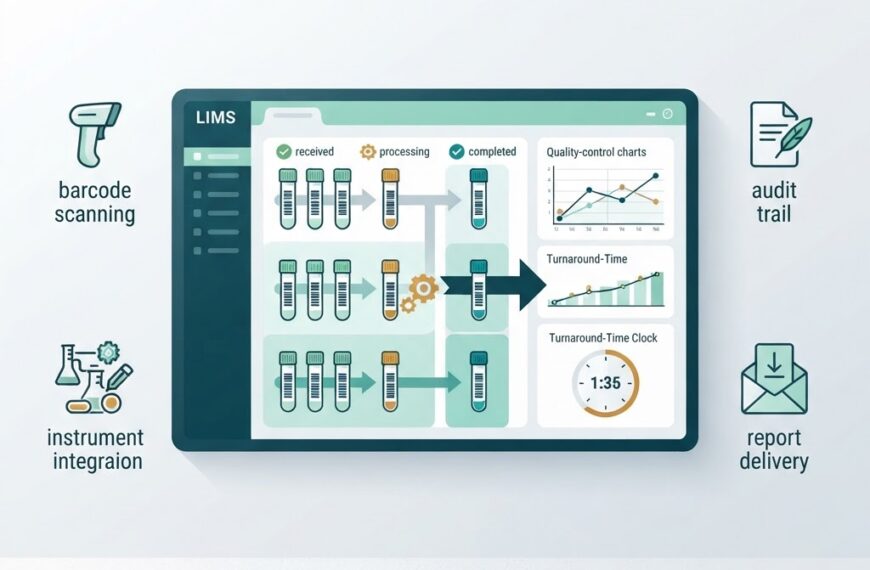
The system should track every sample from registration through disposal, with barcode or QR-code support at each stage. You should be able to see where any sample is at any moment — received, in processing, verified, reported, or archived.
Test Workflow Management
Look for configurable test panels, reflex testing rules, and critical-value alerting. The LIMS should adapt to your lab’s standard operating procedures, not force you to adapt to it.
Result Entry and Validation
Support both manual entry and automated instrument interfaces (often via HL7 or ASTM protocols). Two-level validation — technologist entry followed by pathologist approval — is standard in diagnostic labs and should be supported out of the box.
Report Generation
Reports should be customisable, professional, and deliverable through multiple channels: print, PDF, email, and patient web portals. The ability to add digital signatures and accredited logos matters for compliance.
Multi-Branch and Collection-Centre Support
If you operate across locations, the system must handle branch-level user access, centralised reporting, consolidated billing, and location-specific configurations without requiring separate installations.
Instrument Integration
Check whether the LIMS supports bi-directional communication with your existing analysers and instruments. Unidirectional (result-only) importing is a start, but bi-directional control (test orders sent to the instrument, results received back) is far more powerful.
Compliance and Audit Readiness
The system should maintain complete audit trails — who did what, when — and support electronic signatures, access controls, and data retention policies aligned with your accreditation requirements (NABL/ISO 15189 in India).
Data Security and Backup
Role-based access control, encrypted data storage, and automated backup with disaster-recovery options are non-negotiable. Ask vendors where data is hosted and what their recovery-time objectives are.
Cloud vs. On-Premise Deployment
One of the first decisions is deployment model. Each has trade-offs:
| Factor | Cloud (SaaS) | On-Premise |
|---|---|---|
| Upfront cost | Lower (subscription) | Higher (servers, licences) |
| Setup speed | Days to weeks | Weeks to months |
| Maintenance | Handled by vendor | Your IT team’s responsibility |
| Multi-branch access | Built-in | Requires VPN or additional setup |
| Data control | Vendor-hosted | Full in-house control |
| Scalability | Add users/branches on demand | Requires hardware provisioning |
| Updates | Automatic, regular | Manual, scheduled downtime |
For most growing diagnostic labs — especially those with multiple branches or plans to expand — cloud-based LIMS offers faster deployment, lower upfront investment, and easier scaling. On-premise may still make sense for labs with strict data-localisation requirements or existing IT infrastructure and dedicated staff.
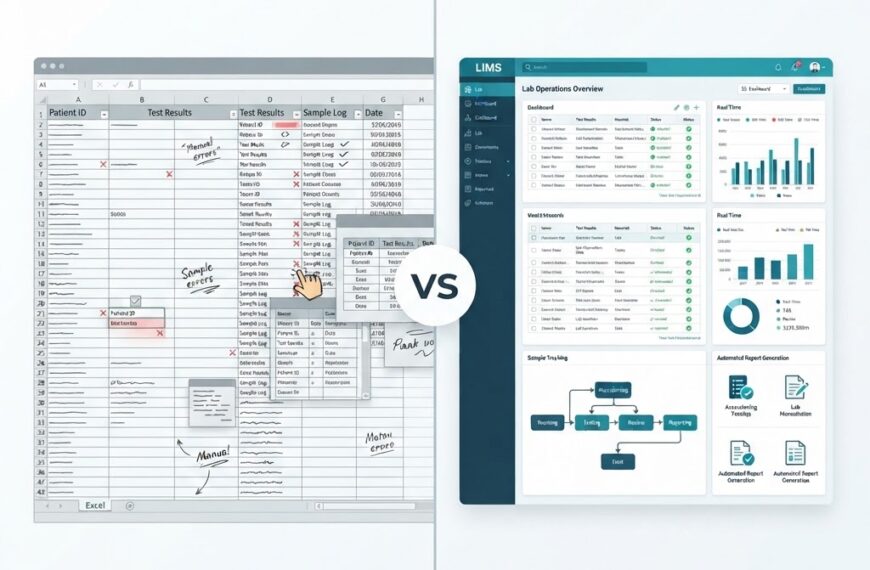
If you are weighing this decision, our earlier comparison of LIMS vs Excel covers why dedicated software outperforms spreadsheets, and our overview of what a LIMS does explains the foundational concept.
Evaluation Criteria: How to Compare Vendors
Once you have a shortlist, evaluate each vendor against these criteria:
1. Functional Fit
Does the system handle your test menu, workflow, and reporting requirements as configured — or will you need custom development? Request a demo using your actual test panels and report formats, not the vendor’s canned sample data.
2. Ease of Use
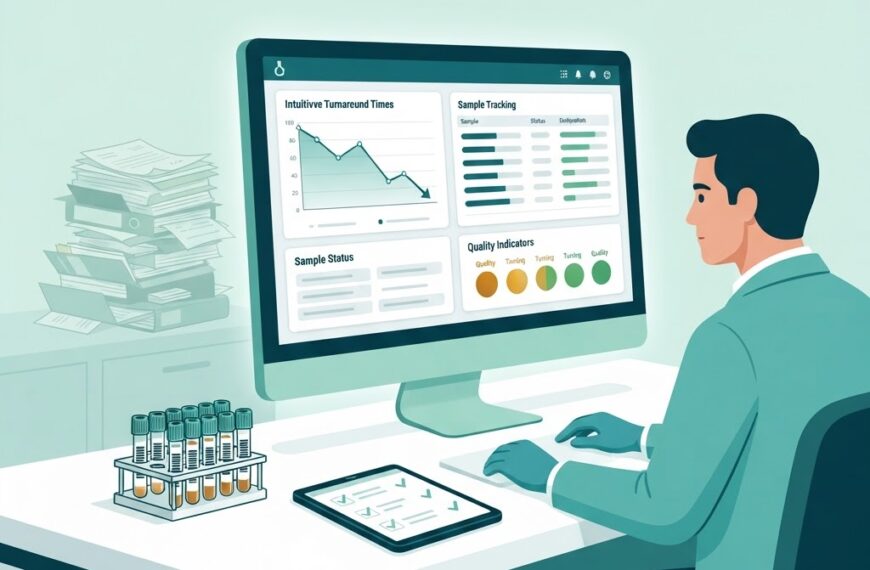
Ask front-desk staff and technologists to try the interface. A system that requires weeks of training or feels clunky will face adoption resistance. The best LIMS feels intuitive to the people who use it every day.
3. Integration Capability
Confirm support for the instruments and external systems you use. Ask for reference deployments with the same or similar analysers. HL7 and ASTM protocol support is standard for modern systems.
4. Scalability
Can the system grow from one branch to ten without a replatform? Check per-branch pricing, user limits, and whether multi-location features are core or bolted-on.
5. Support and Training
What does onboarding include? Is support available during your operating hours? What is the typical response time? For diagnostic labs running six or seven days a week, support availability matters.
6. Total Cost of Ownership
Look beyond the licence or subscription fee. Factor in:
- Setup and onboarding charges
- Per-user or per-branch costs
- Training costs
- Customisation or integration costs
- Ongoing support and maintenance
- Upgrade costs
A lower sticker price with hidden customisation fees can cost more over three years than a higher-priced all-inclusive option.
7. Vendor Track Record
How long has the vendor served diagnostic labs specifically? Can they provide references from labs of similar size and specialty? A vendor experienced in diagnostic workflows understands accreditation, turn-around-time, and report delivery in ways a general-purpose software company may not.
Common Mistakes to Avoid
- Choosing on price alone: The cheapest option rarely stays cheapest once integration, training, and workaround costs accumulate.
- Skipping the requirements phase: Buying before mapping your needs leads to mismatches discovered only after go-live.
- Underestimating training needs: Budget time and money for thorough onboarding. Staff adoption determines ROI more than any feature list.
- Ignoring report delivery: If the system cannot deliver reports the way your referring physicians want them, you will maintain workarounds.
- Overlooking scalability: A system that fits one branch today may become a constraint at five branches. Confirm multi-branch capability before committing.
- Neglecting compliance alignment: Verify that audit trails, electronic signatures, and data-retention features meet your accreditation body’s expectations — not just the vendor’s claims.
A Practical Decision Framework
- Document requirements (sample volume, test menu, branches, integrations, compliance).
- Shortlist 3–5 vendors that serve diagnostic labs in your region.
- Request demos with your data — test panels, report formats, instrument names.
- Check references from labs comparable to yours.
- Compare total cost of ownership over three years, not just year one.
- Validate support and training commitments in writing.
- Pilot if possible — a limited rollout at one branch before full deployment reduces risk.
Choosing a LIMS Aligned With Your Growth
If your lab is growing — adding branches, collection centres, or new test lines — the LIMS you choose should support that trajectory. Features that seem unnecessary at single-branch scale (centralised reporting, branch-level access control, consolidated billing) become essential quickly.
This is where cloud-native diagnostic LIMS platforms like IdLabNet are designed to help. IdLabNet was built specifically for multi-branch diagnostic laboratories: sample tracking, configurable workflows, instrument integration, NABL-aligned reporting, and multi-location management are part of the core system rather than add-ons. You can explore it or get in touch to discuss whether it fits your requirements.
Checklist: Questions to Ask Every Vendor
Before signing, make sure you have clear answers to these:
- How long does typical onboarding take, and what is included?
- What instruments does the system integrate with out of the box?
- How are software updates handled, and how often are they released?
- What does support look like — channels, hours, response times?
- How is data backed up, and what is the disaster-recovery plan?
- What happens to your data if you decide to leave the platform?
- Are multi-branch, collection-centre, and user-management features included or charged separately?
- Does the system meet NABL / ISO 15189 audit-trail and electronic-signature requirements?
Conclusion
Choosing a LIMS is not about finding the most feature-rich product — it is about finding the best fit for your lab’s workflows, growth plans, and compliance needs. Start with a clear requirements document, evaluate vendors against it, compare total cost over time, and prioritise the features that matter for diagnostics specifically: sample tracking, instrument integration, report delivery, multi-branch support, and audit readiness.
A well-chosen LIMS becomes the operational backbone of your laboratory. Take the time to choose it well.

 By
By