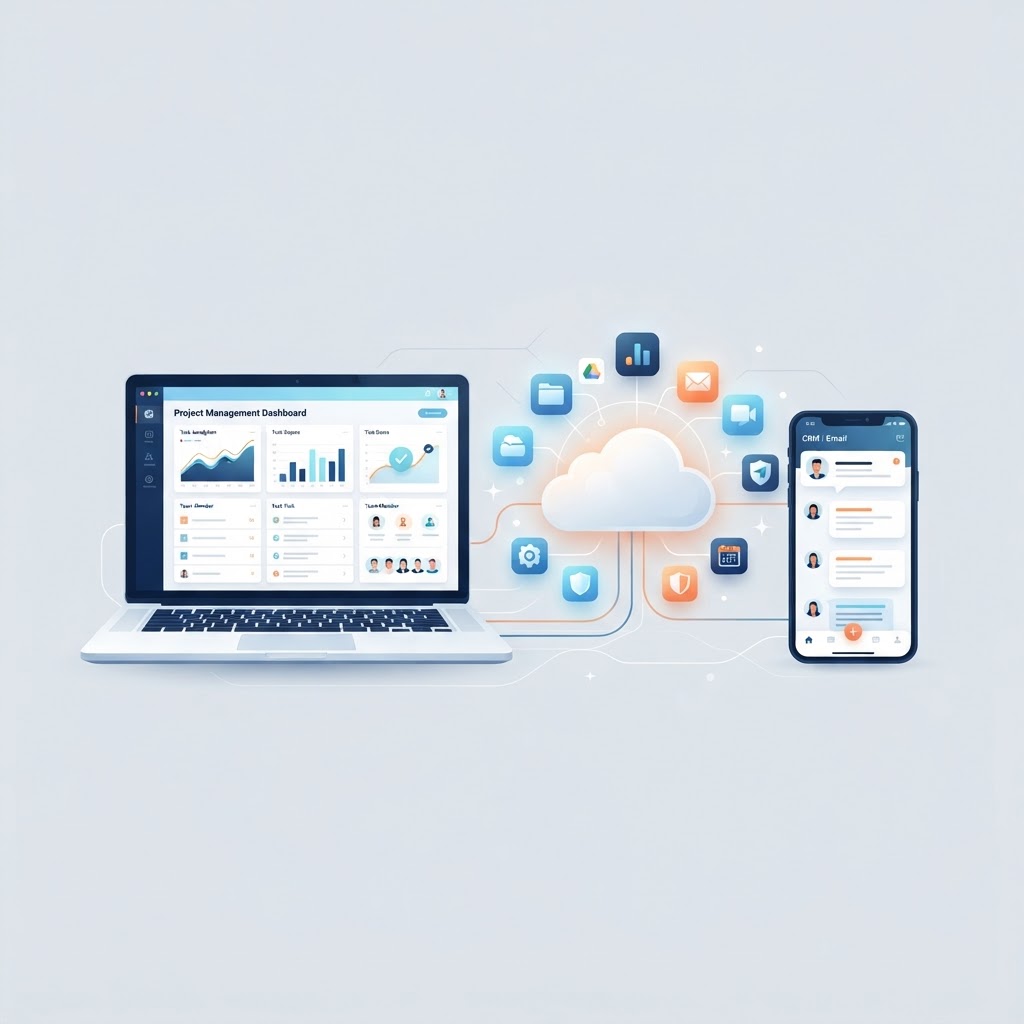

If your team uses Gmail, Slack, or Salesforce, you are already using SaaS. Software-as-a-Service is how most businesses now consume software, and it has fundamentally changed how companies buy, deploy, and scale technology.
This guide explains what SaaS is, how it works, how it compares to other cloud service models, and what to consider when choosing SaaS tools for your business.
What Is SaaS?
SaaS (Software-as-a-Service) is a software delivery model where a third-party provider hosts, manages, and maintains the application, and users access it over the internet, typically through a web browser. Instead of buying a license and installing software on your own servers, you subscribe to it.
The U.S. National Institute of Standards and Technology (NIST) defines cloud computing, including SaaS, in Special Publication 800-145 as one of three service models under cloud computing. In a SaaS model, the consumer uses applications running on cloud infrastructure, accessing them through a client device (such as a web browser), and does not manage or control the underlying infrastructure, operating system, or even individual application capabilities, with the limited exception of some user-specific configuration.
Key characteristics of SaaS
- Hosted and maintained by the provider: The vendor handles servers, storage, networking, updates, and security patches. Your team does not touch the infrastructure.
- Subscription-based pricing: You pay a recurring fee (monthly or annually), usually per user or per usage tier, rather than a one-time license.
- Multi-tenant architecture: Most SaaS applications share a single, common infrastructure and code base across all customers, while keeping each customer’s data isolated and secure.
- Accessed via the internet: No installation on local machines. Users log in through a browser or mobile app from any device.
- Automatic updates: The provider pushes updates and new features centrally. Every user is always on the latest version with no manual upgrade process.
How SaaS Works
When you use a SaaS application, here is what happens behind the scenes:
- You subscribe to the service through the provider’s website and create user accounts for your team.
- Your data is stored in the provider’s cloud infrastructure, not on your local servers.
- Your team accesses the application through a web browser or mobile app using their credentials.
- The provider manages uptime, security, backups, updates, and scaling. You never touch a server.
- You pay a recurring subscription fee based on the number of users, features included, or volume of usage.
This is the core shift: you are renting software as a service rather than owning and maintaining it as a product.
SaaS vs PaaS vs IaaS: Understanding the Cloud Stack
SaaS is one layer in the cloud computing stack. NIST defines three primary service models. Understanding how they differ helps you choose the right approach.
| Model | What the Provider Manages | What You Manage | Example |
|---|---|---|---|
| SaaS | Everything (application, data, runtime, OS, servers, storage) | User access and some configuration | Salesforce, Google Workspace, Slack |
| PaaS | Runtime, OS, servers, storage, networking | Your application code and data | Heroku, Google App Engine |
| IaaS | Servers, storage, networking | OS, runtime, application, data | AWS EC2, Google Compute Engine |
The further down the stack you go, the more control you have, but also more responsibility. SaaS is the simplest to consume. IaaS gives maximum flexibility but requires the most technical work.
When to choose SaaS vs the others
- Choose SaaS when you need a ready-to-use application without managing infrastructure. Best for standard business needs like email, CRM, collaboration, and project management.
- Choose PaaS when you are building your own application and want the provider to handle the runtime environment so your developers can focus on code.
- Choose IaaS when you need full control over the computing environment, including the operating system and deployment stack, for custom or specialized workloads.
Benefits of SaaS for Businesses
Lower upfront cost
Traditional software required significant capital expenditure: server hardware, licenses, IT staff, and maintenance contracts. SaaS replaces that with a predictable operating expense. You subscribe and start using the product immediately.
Faster deployment
There is no installation, server configuration, or migration project. Your team signs up, logs in, and begins working. This makes SaaS particularly useful for fast-moving teams that need to be productive on day one.
Automatic updates and maintenance
The provider rolls out new features, bug fixes, and security patches without any effort on your side. Every user is always on the latest version. This eliminates the upgrade cycles and compatibility problems that come with on-premise software.
Scalability
Most SaaS providers let you add or remove users, upgrade or downgrade plans, and adjust storage or usage limits on demand. This pay-as-you-grow model fits businesses whose headcount or workload fluctuates.
Accessibility
SaaS applications work from any device with an internet connection. Team members can work from the office, from home, or on the road, using the same data and the same interface. This has become essential for distributed and hybrid teams.
Integration
Many SaaS products offer APIs and pre-built integrations with other popular tools. You can connect your CRM to your email platform, your project management tool to your chat app, and build automated workflows across services without custom development.
Common SaaS Examples
You likely already use several SaaS products without thinking of them that way:
- Google Workspace (Gmail, Docs, Drive, Calendar)
- Microsoft 365 (Outlook, Word, Excel, Teams)
- Salesforce (CRM and sales management)
- Slack (team communication and collaboration)
- Zoom (video conferencing)
- Dropbox (file storage and sharing)
- HubSpot (marketing, sales, and service)
- Monday.com (project and work management)
- Shopify (e-commerce)
These tools run entirely on their providers’ infrastructure, are billed by subscription, and require no local installation.
SaaS Security Considerations
Because SaaS moves your data to a third-party infrastructure, security is a shared responsibility. The provider secures the infrastructure, but your organization is responsible for how the service is used.
Key practices to follow:
- Use strong authentication: Enable multi-factor authentication for all SaaS accounts. This is the single most effective step against unauthorized access.
- Manage user access: Review who has access to each tool and remove access promptly when employees leave. Use role-based permissions to limit what each user can do.
- Understand data location: Know where your data is stored and which data protection regulations apply, especially if your business operates in the EU (GDPR) or India (DPDPA).
- Review vendor security: Check whether the provider publishes a SOC 2 report, ISO 27001 certification, or equivalent security attestation. This is standard for reputable SaaS vendors.
- Monitor integrations: Each third-party integration you connect to a SaaS tool is a potential access point. Review and revoke unused integrations regularly.
How to Choose SaaS Tools for Your Business
1. Start with the problem, not the tool
Define the specific workflow or pain point you need to address before evaluating products. This keeps the selection grounded in business needs rather than features that look impressive but are unnecessary.
2. Evaluate the total cost of ownership
The subscription price is only one part of the cost. Factor in the per-user rate at your expected headcount, costs for additional storage or usage, integration costs, and any premium support tiers. Compare this to what you currently spend on the process or tool it replaces.
3. Check integration capabilities
A SaaS tool that cannot connect to the rest of your stack creates data silos. Before committing, verify that the product offers APIs or native integrations with the tools your team already uses.
4. Test with a real team
Most SaaS products offer a free trial. Use it. Have a small group run real workflows for at least two weeks before deciding. This reveals usability issues and feature gaps that a demo cannot.
5. Review the SLA and support
Check the provider’s uptime commitment in their service level agreement, their typical response times for support tickets, and whether support is available in your business hours and time zone.
SaaS and Custom Software: Not Either/Or
SaaS is powerful for standard business needs, but many businesses reach a point where off-the-shelf tools no longer fit their processes exactly. That is where custom software development comes in.
If your business has a unique workflow, a regulatory requirement that generic tools cannot meet, or a competitive advantage that depends on proprietary processes, building custom software gives you full control. Ideativemind provides custom software development services for businesses that have outgrown generic SaaS or need something tailored to their operations.
Similarly, if you want the benefits of SaaS (cloud hosting, subscription pricing, remote access) applied to a custom-built application, that is a valid architecture choice. Cloud solutions from Ideativemind can help you design and deploy a custom application on cloud infrastructure that your business owns and controls.
The Future of SaaS
SaaS continues to evolve in several directions:
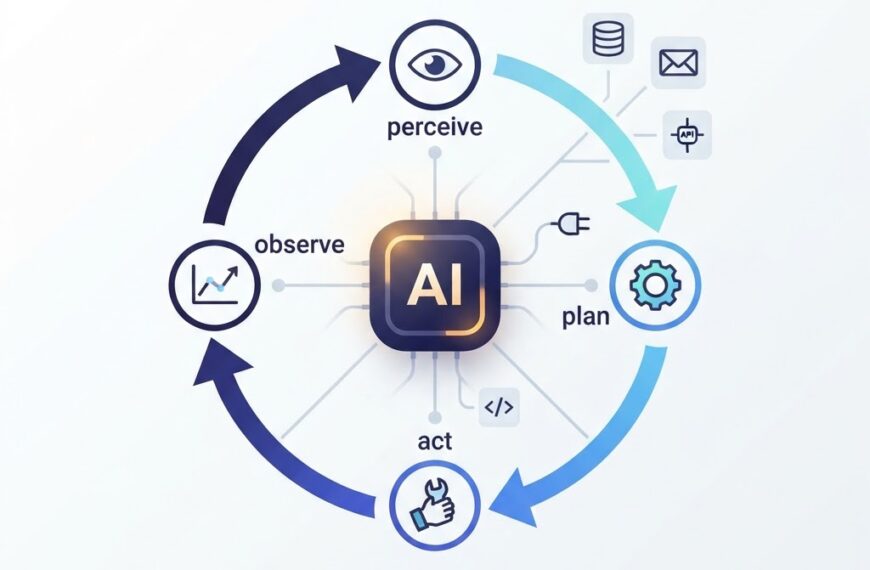
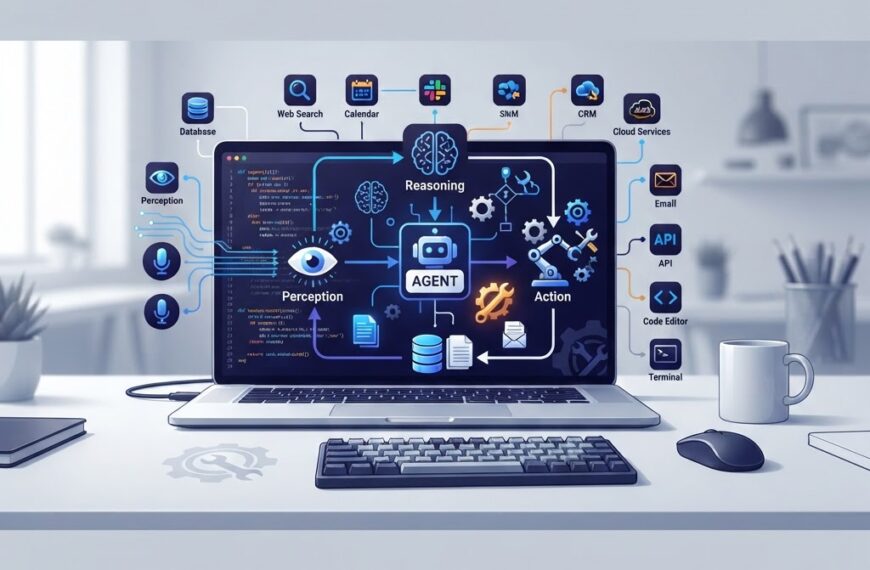
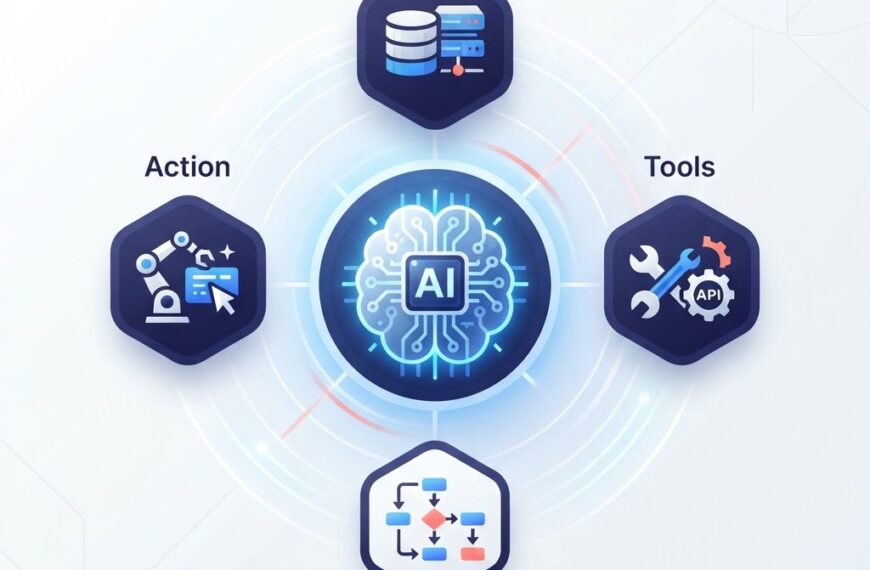
- AI integration is becoming standard. More SaaS products are embedding AI assistants, predictive analytics, and automation directly into their interfaces. See our guide on what an AI agent is for more on how AI agents are reshaping software interactions.
- Vertical SaaS (software built for specific industries like healthcare, legal, or construction) is growing as companies seek tools tailored to their workflows rather than generic horizontal platforms.
- Usage-based pricing is expanding beyond flat per-seat subscriptions toward models that charge based on actual consumption, which can be more cost-effective for variable workloads.
For businesses, the broader trend is clear: the shift from owning software to subscribing to it continues. The question for most companies is not whether to use SaaS, but how to choose, integrate, and manage the right mix of tools.
Conclusion
SaaS is the dominant model for consuming business software today. It offers lower upfront costs, faster deployment, automatic updates, and the flexibility to scale. For most standard business needs, from email to CRM to collaboration, a well-chosen SaaS tool is the simplest and most cost-effective option.
When your needs go beyond what generic SaaS can do, custom software development on cloud infrastructure gives you the control and flexibility to build exactly what your business requires.
Want to explore whether a SaaS approach, custom software, or a combination is right for your business? Ideativemind builds and deploys software solutions for growing companies. Get in touch to discuss your project.

 By
By