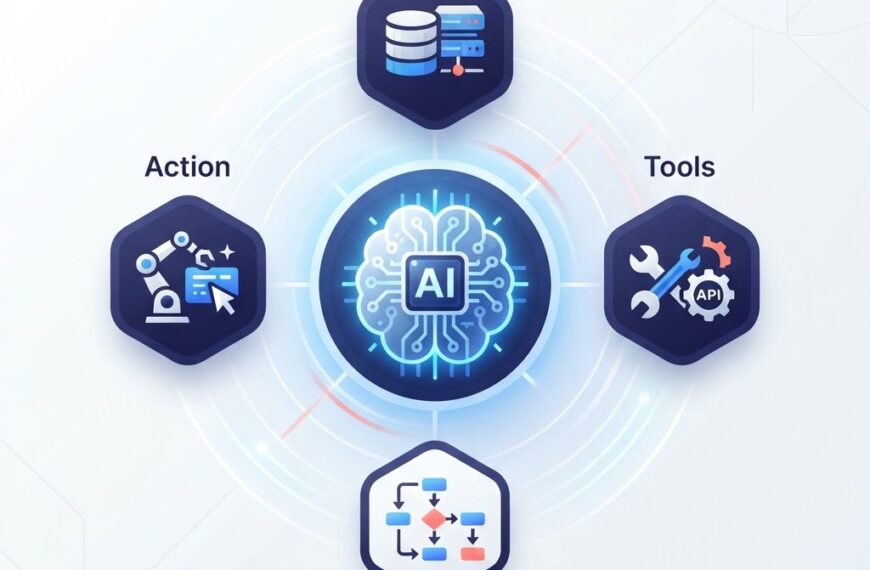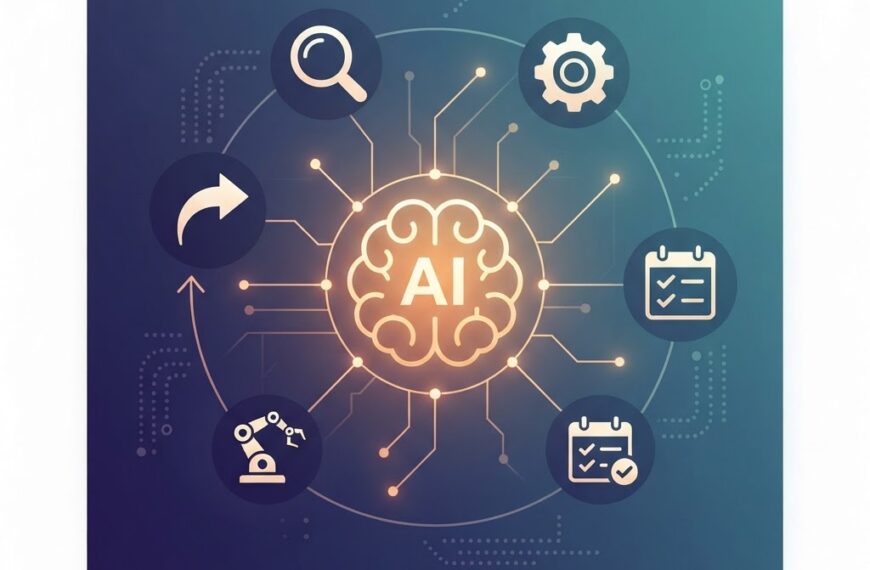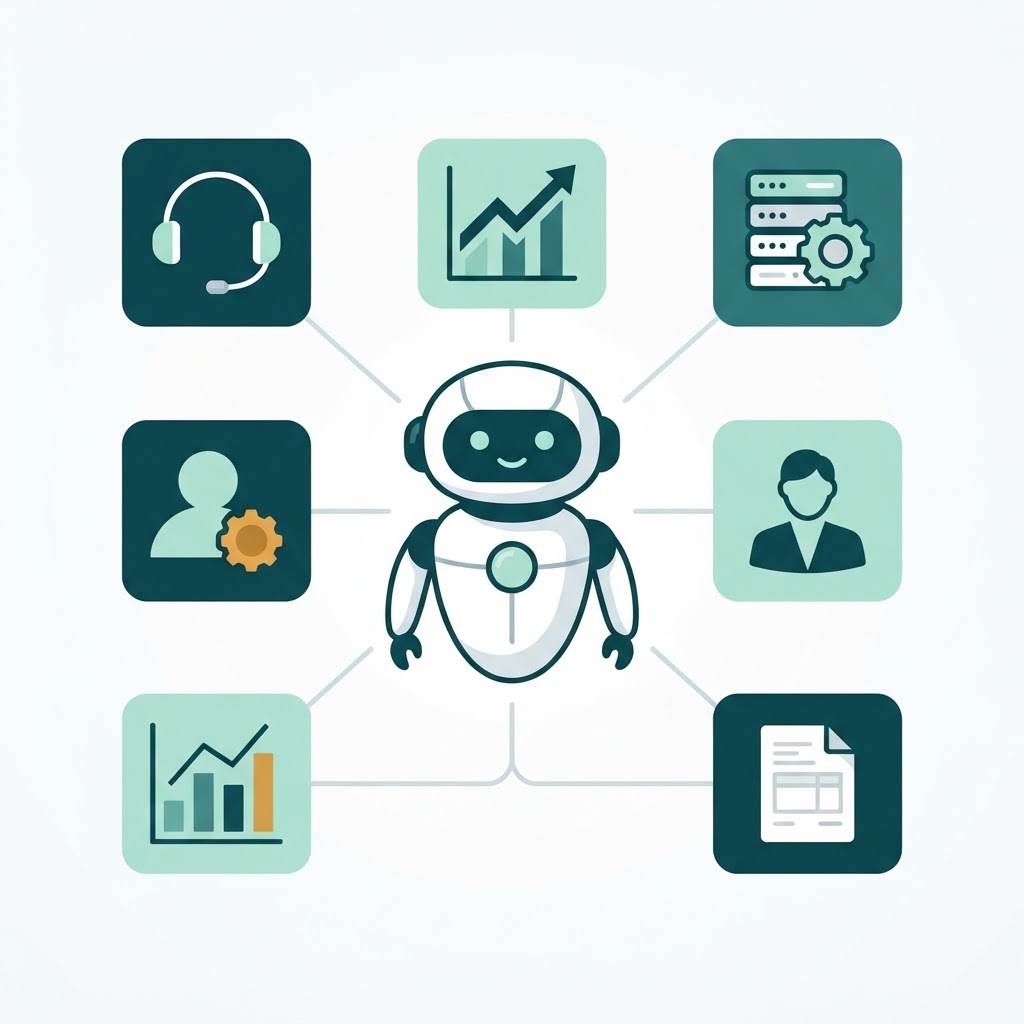

Most discussions about AI agents stop at the technology. But for business leaders, the real question is simpler: where do AI agents actually create value today, and where are they still experimental?
This article skips the hype. It walks through six practical use cases where AI agents are already deployed in business settings, what they deliver, and what to watch out for. If you are new to the concept, start with our plain-English guide to AI agents first.
Why AI Agents Matter for Business Now
AI agents are not a future concept. They are already in production at companies of every size.
McKinsey’s 2025 State of AI survey found that 62% of organizations are at least experimenting with AI agents, and 23% are already scaling their use. The same survey reported that 78% of organizations use AI in at least one business function. Gartner adds a sharper forecast: by 2028, at least 15% of day-to-day work decisions will be made autonomously through agentic AI, up from nearly 0% in 2024.
But adoption is uneven. Most deployments concentrate in a handful of repeatable, well-defined workflows: customer support, sales operations, IT automation, data analysis, and back-office processing. These are the areas where AI agents have enough structure and feedback to operate reliably.
How AI Agents Differ From Earlier Automation
If your company already uses RPA (robotic process automation) or rule-based chatbots, you might wonder what changes with agents. The short answer: agents handle ambiguity.
- Rule-based bots follow predefined scripts. When the conversation or process deviates, they hand off to a human or fail silently.
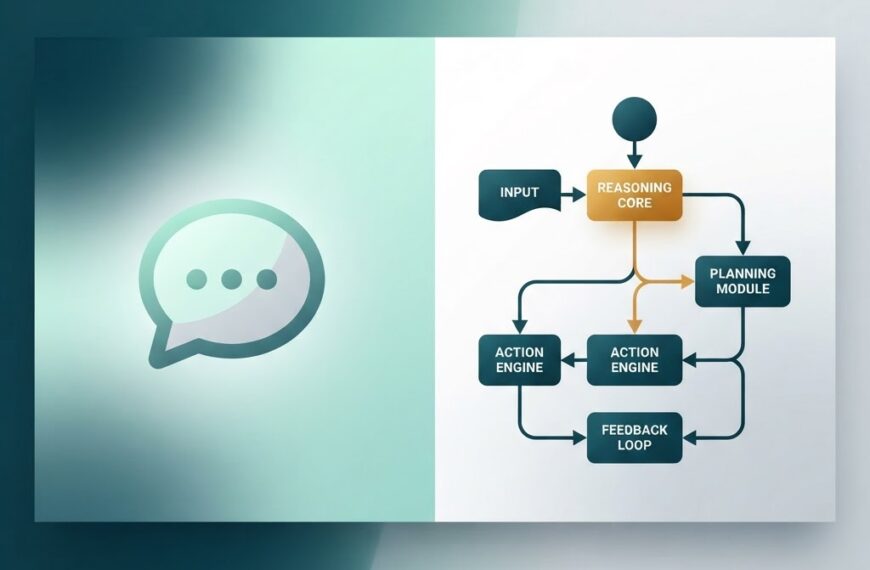
- AI agents use language models to interpret intent, pick from a set of tools, and adapt their approach based on the result of each step.
We cover this distinction in detail in our AI agent vs chatbot comparison. For business purposes, the key difference is that agents can take multi-step actions, not just answer questions.
Six Practical Business Use Cases
1. Customer Support
Customer support is the most mature use case for AI agents. Instead of routing tickets to a keyword-matched article, an AI agent can understand the customer’s issue, look up their account, attempt a resolution, and escalate only when needed.
Real example: Verizon deployed a Gemini-powered AI assistant across its customer service operations. According to Google Cloud’s announcement at Google Cloud Next 2025, the system automates billing inquiries, plan upgrades, and device troubleshooting, and contributed to a roughly 40% increase in sales through the service center.
Gartner forecasts that agentic AI will resolve 80% of customer service issues autonomously by 2029, up from minimal levels today.
What it delivers: Faster resolution times, 24/7 availability, reduced ticket volume for human agents, and consistent handling of routine requests.
Watch out for: Agents that lack escalation logic. If the AI cannot recognize when a situation needs a human, customers get frustrated. Define escalation triggers before deployment.
2. Sales and Lead Management
AI agents are increasingly used to qualify inbound leads, schedule follow-ups, and draft personalized outreach at scale. Unlike a simple email autoresponder, a sales agent can research a prospect’s company, prioritize leads based on fit, and update the CRM automatically.
What it delivers: Shorter response times on inbound leads, consistent lead scoring, and sales reps freed from manual data entry.
Watch out for: Personalization at scale can feel generic if the agent has shallow context. The best results come from agents that pull from a rich CRM with real account history, not a bare name and email.
3. IT Operations and Incident Response
IT teams use AI agents to monitor infrastructure, triage alerts, run diagnostic steps, and even apply routine fixes. When an alert fires at 2 AM, an agent can check logs, identify the likely cause, restart a service, and file a report before a human engineer is paged.
What it delivers: Faster mean-time-to-resolution, fewer false-positive pages, and reduced burnout for on-call staff.
Watch out for: Giving agents write access to production systems without guardrails. Start with read-only and approval-gated actions. Our guide on AI agent architecture covers how to structure tool access safely.
4. HR and Recruitment
AI agents help HR teams screen resumes, schedule interviews, answer candidate questions about benefits and policies, and onboard new hires. An onboarding agent can provision accounts, walk a new employee through paperwork, and point them to the right resources, without a human coordinator.
What it delivers: Faster time-to-hire, consistent candidate communication, and HR staff freed for strategic work.
Watch out for: Bias in resume screening. Any agent that filters candidates must be audited regularly for demographic bias and comply with local employment regulations.
5. Data Analysis and Reporting
Instead of waiting for an analyst to build a report, business users can ask an AI agent to pull data, run queries, and generate a chart or summary. The agent connects to your data warehouse, interprets the request, produces the output, and explains its findings in plain language.
What it delivers: Self-serve analytics for non-technical teams, faster reporting cycles, and analysts freed for deeper investigation.
Watch out for: Agents that hallucinate metrics or misinterpret queries. Always surface the underlying query and source data so a human can verify the output.
6. Back-Office Processing
Account reconciliation, invoice processing, expense approval, and document classification are repetitive, rules-heavy tasks that AI agents handle well. An agent can extract data from invoices, match them to purchase orders, flag discrepancies, and route exceptions for review.
What it delivers: Lower processing costs, faster cycle times, and fewer manual errors.
Watch out for: Edge cases that the agent has not seen before. Start with a bounded scope, monitor exceptions closely, and expand gradually.
Use Case Comparison at a Glance
| Use Case | Maturity | Key Benefit | Main Risk |
|---|---|---|---|
| Customer support | High | Faster resolution, 24/7 coverage | Poor escalation logic |
| Sales and lead management | Medium | Faster lead response, consistent scoring | Shallow personalization |
| IT operations | Medium | Faster incident resolution | Overly broad system access |
| HR and recruitment | Medium | Faster hiring, consistent onboarding | Bias in screening |
| Data analysis and reporting | Growing | Self-serve analytics | Hallucinated metrics |
| Back-office processing | High | Lower cost, fewer errors | Unhandled edge cases |
What Could Go Wrong
Not every AI agent project succeeds. Gartner predicted in 2025 that 40% of agentic AI projects will be canceled by the end of 2027 due to cost overruns, unclear ROI, or governance failures.
The most common failure patterns:
- No clear success metric. “We should use AI agents” is not a use case. Define what you are measuring: resolution time, cost per ticket, conversion rate.
- Too much autonomy too early. Start with agents that recommend, not agents that execute. Move to full autonomy only after the agent proves reliable in supervised mode.
- Poor data quality. Agents are only as good as the data they can access. If your CRM is half-empty or your knowledge base is outdated, the agent will produce poor results.
- No human fallback. Every agent deployment needs a clear escalation path. Customers and employees must always have a way to reach a human when the agent cannot help.
How to Get Started
- Pick one workflow. Choose a repetitive, well-documented process with clear inputs and outputs. Customer support and back-office processing are the safest starting points.
- Define the success metric. What does better look like? Pick a number: resolution time, cost per transaction, lead response time.
- Start supervised. Run the agent in shadow mode, let it recommend actions, and have humans confirm before execution.
- Expand gradually. Once the agent hits your success metric consistently, expand its scope tool by tool, not all at once.
For a hands-on technical walkthrough, see our practical guide to building an AI agent.
Conclusion
AI agents for business are real, but they work best in narrow, well-defined workflows. The companies seeing returns are not the ones chasing the broadest AI vision. They are the ones that picked one process, measured it, and expanded from there.
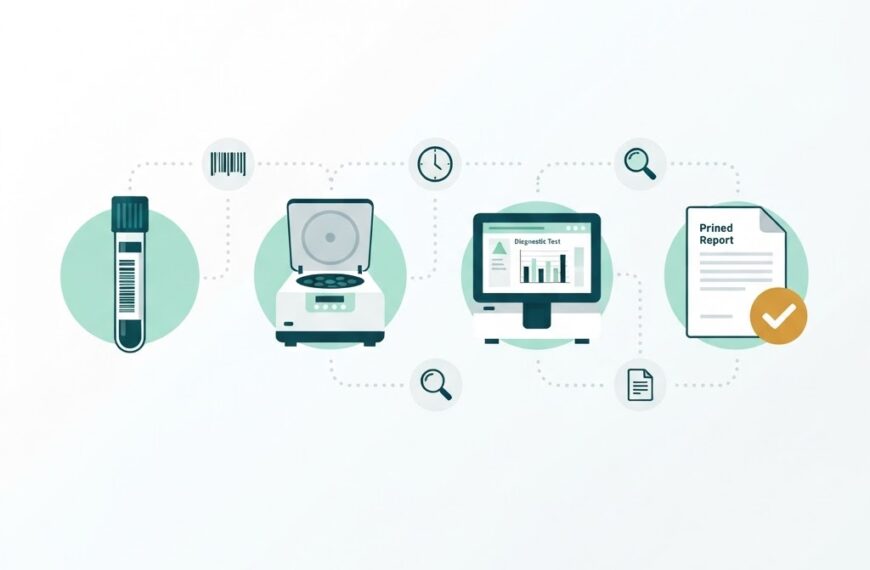
If your business is exploring AI agents, whether for customer support, operations, or internal automation, we can help you scope the right starting point. Get in touch with Ideativemind or explore our IdLabNet platform for laboratory-specific automation.

 By
By