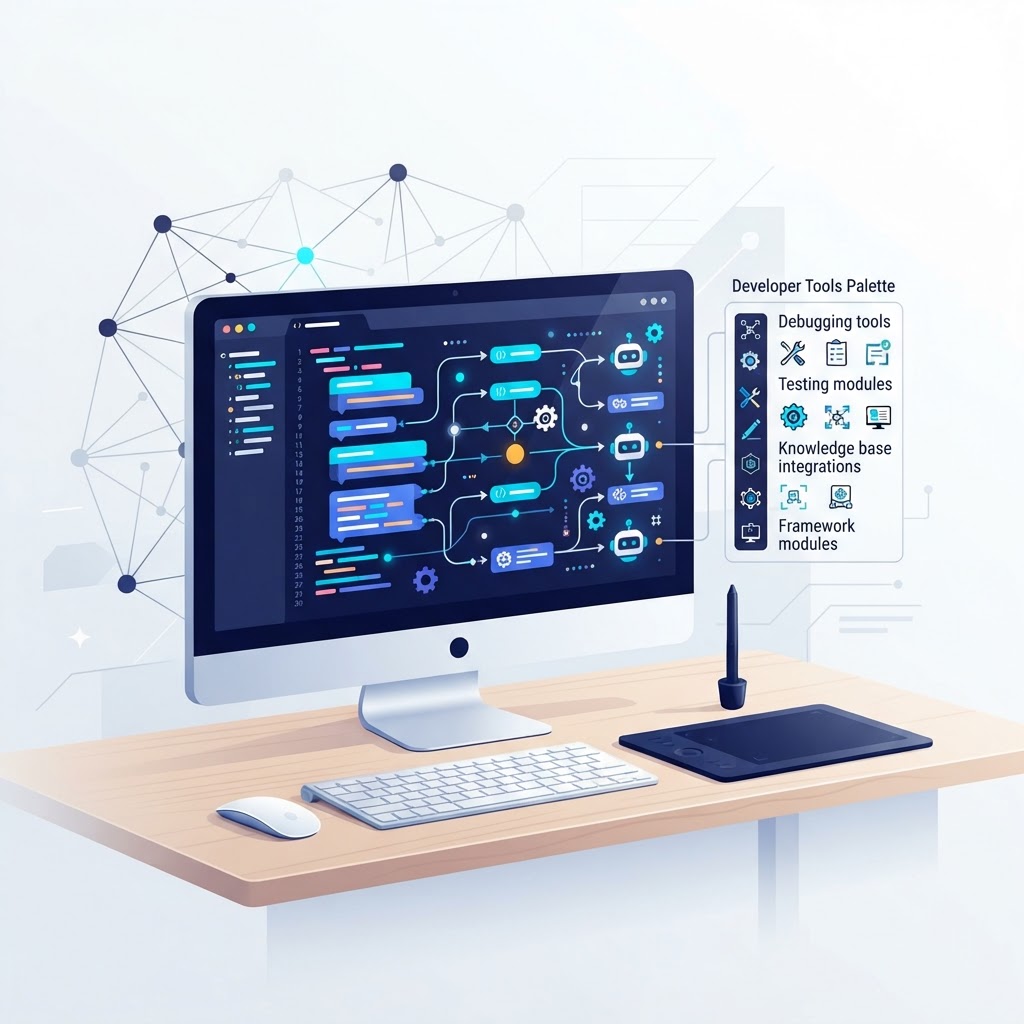

If you have been following our AI agent series, you already know what agents are, how they differ from chatbots, and where they create business value. This article is for the people who actually build them — the developers, engineers, and tinkerers who need to pick the right tools and wire them together.
The AI agent tooling landscape has consolidated fast. A year ago there were a dozen overlapping frameworks fighting for attention. In 2026, the field has narrowed to a handful of serious options, each with a clear identity. Let us walk through the main frameworks, what they are good at, and the development patterns that matter.
Why Use a Framework at All?
You can build a basic agent loop with raw API calls: send a prompt, get a response, parse tool calls, repeat. For a prototype, that is fine. For anything real — error handling, retries, state management, multi-step reasoning, human-in-the-loop approval, observability — doing it by hand gets painful quickly.
Frameworks give you three things: a structure for defining agents and tools, a runtime that manages the agent loop, and integrations with external systems. The question is not whether to use one, but which one fits your stack and use case.
The Major Frameworks in 2026
LangChain and LangGraph
LangChain remains the most broadly adopted framework in the ecosystem. Its agent layer, LangGraph, models agent workflows as directed graphs — nodes are functions, edges define transitions between steps, and state is managed across the graph. This graph-based approach gives you fine-grained control over execution flow, which matters when you need conditional branching, parallel steps, or human approval gates.
LangGraph is MIT-licensed and free to use on your own infrastructure. It is the go-to choice for teams that need broad ecosystem flexibility: it supports dozens of LLM providers, vector stores, and tool integrations out of the box. The trade-off is that the graph abstraction has a learning curve, and the flexibility means you make more architectural decisions yourself.
If your project involves complex, stateful workflows with multiple decision points — think customer support routing, research pipelines, or compliance-sensitive processes — LangGraph is a strong default.
Microsoft Agent Framework
In April 2026, Microsoft released Microsoft Agent Framework (MAF) 1.0, which merged AutoGen and Semantic Kernel into a single unified SDK. This was a significant consolidation: AutoGen had been the leading multi-agent framework, and Semantic Kernel was Microsoft’s enterprise-grade integration layer. The merger brings AutoGen’s conversational multi-agent patterns (group chat, sequential, nested) together with Semantic Kernel’s plugin architecture and enterprise connectors.
MAF 1.0 supports both Python and .NET, uses YAML-based agent definitions, and offers graph-based orchestration similar to LangGraph. It is MIT-licensed. As of February 2026, the original AutoGen repository moved into maintenance mode, with active development continuing under MAF.
For teams already in the Microsoft ecosystem — Azure OpenAI, Microsoft 365 connectors, .NET backends — MAF is the natural choice. The YAML definitions make it approachable for teams who want to define agent behavior declaratively.
CrewAI
CrewAI takes a different approach entirely. Instead of graphs or conversations, it models agents as members of a crew — each with a defined role (researcher, analyst, writer), a goal, and a set of tools. You define tasks, assign them to crew members, and the framework handles the orchestration.
This role-based model is intuitive and gets you to a working multi-agent system fast. CrewAI is open-source, Python-based, and particularly popular for content-generation workflows, research automation, and any scenario where the work naturally splits into distinct roles.
The trade-off is control: CrewAI’s abstraction hides orchestration details, which makes iteration quick but debugging harder when things go wrong. For teams that prioritise speed of development over fine-grained control, CrewAI is hard to beat.
OpenAI Agents SDK
OpenAI’s Agents SDK is the newest entry but has gained traction fast for its simplicity. The SDK is built on a small set of primitives: agents (with instructions and tools), handoffs (one agent delegating work to another), guardrails (input/output validation), and built-in tracing.
The handoff model is particularly elegant — it formalises agent-to-agent delegation as a first-class operation rather than requiring you to build a routing layer. The SDK is MIT-licensed and works best in OpenAI-centric stacks, though it can be configured to talk to other providers via OpenAI-compatible endpoints.
If you are building with OpenAI models and want the fastest path from idea to working agent, the Agents SDK is worth serious consideration.
LlamaIndex
LlamaIndex started as a RAG framework — data ingestion, indexing, and retrieval. It has since added agent workflows that layer agentic behaviour on top of its retrieval infrastructure. This makes it the strongest choice when your agent’s primary job is working with private or document-heavy data: enterprise knowledge bases, legal document analysis, medical records research.
If your agent needs to search, summarise, and reason over large document corpora, LlamaIndex’s combination of retrieval plus agentic workflows is the most mature option.
Quick Comparison
| Framework | Best For | Language | License | Key Abstraction |
|---|---|---|---|---|
| LangChain / LangGraph | Complex, stateful workflows | Python, JS/TS | MIT | Directed graph |
| Microsoft Agent Framework | Enterprise, Microsoft ecosystem | Python, .NET | MIT | YAML + graph |
| CrewAI | Fast role-based multi-agent | Python | Open-source | Crew roles |
| OpenAI Agents SDK | Quick OpenAI-centric prototyping | Python | MIT | Handoffs |
| LlamaIndex | RAG + agent workflows | Python | MIT | Retrieval + agents |
Development Patterns That Matter
Regardless of which framework you choose, a few patterns recur across mature agent systems. Understanding them will save you hours of trial and error.
Tool Design
Tools are the bridge between an LLM and the real world. The best tools have clear, descriptive names; concise docstrings that explain what the tool does and when to use it; and well-typed input schemas. LLMs choose tools based on names and descriptions — if a tool is ambiguously named or poorly documented, the agent will misuse it or avoid it entirely.
A common mistake is making tools too granular. If your agent needs to call five tools in sequence to accomplish one logical action, consider wrapping them into a single higher-level tool. Fewer tool calls mean fewer chances for the agent to go off track.
State Management
Agents accumulate state across turns: conversation history, intermediate results, user context. How you manage this state determines whether your agent stays coherent over long interactions. LangGraph models state explicitly as a data structure passed through the graph. CrewAI manages it implicitly through task outputs. Either way, think about what state is essential, what can be discarded, and what needs to persist across sessions.
Human-in-the-Loop
Most production agent systems need a human approval step somewhere — before sending an email, before executing a payment, before publishing content. Every major framework now supports this pattern. In LangGraph, you insert a checkpoint node where execution pauses and waits for approval. In the OpenAI Agents SDK, guardrails can trigger human review. Build approval gates early; retrofitting them is harder than it sounds.
Observability and Tracing
When an agent makes a decision, you need to know why. Which tools did it call? What were the intermediate outputs? Where did the chain diverge from what you expected? The OpenAI Agents SDK and LangGraph both ship with built-in tracing. For other frameworks, tools like LangSmith or Arize Phoenix provide visual dashboards for agent execution traces. Instrument your agents from day one — debugging a black-box agent loop without traces is miserable.
Error Handling and Fallbacks
LLM calls fail. Tool executions timeout. API rate limits hit. Your agent loop needs graceful degradation: retry with backoff, fallback to a simpler approach, or surface the error to the user rather than crashing silently. Framework abstractions help, but you still need to think through the failure modes for your specific use case.
How to Choose
Start with your constraints, not the framework:
- Already in the Microsoft ecosystem? Microsoft Agent Framework.
- Need complex, stateful, multi-step workflows? LangGraph.
- Want the fastest path to a working multi-agent system? CrewAI.
- Building primarily with OpenAI and want simplicity? OpenAI Agents SDK.
- Agent’s core job is searching and reasoning over documents? LlamaIndex.
None of these choices locks you in permanently — the abstractions overlap more than they differ, and migrating between frameworks is increasingly straightforward as the field converges on shared patterns.
From Framework to Production
Choosing a framework is the easy part. The hard part is the work we discussed in our practical guide to building an AI agent: defining the problem, designing tools, testing with real inputs, and adding guardrails. Frameworks accelerate that work, but they do not replace it.
If your team needs help designing or building an AI agent system — whether for internal automation, customer-facing tools, or domain-specific applications — get in touch with Ideativemind. We build custom software and AI solutions, and we are always happy to talk through the architecture before you commit to a stack.
For a deeper look at how agents create business value across industries, see our earlier article on AI agents for business use cases.

 By
By