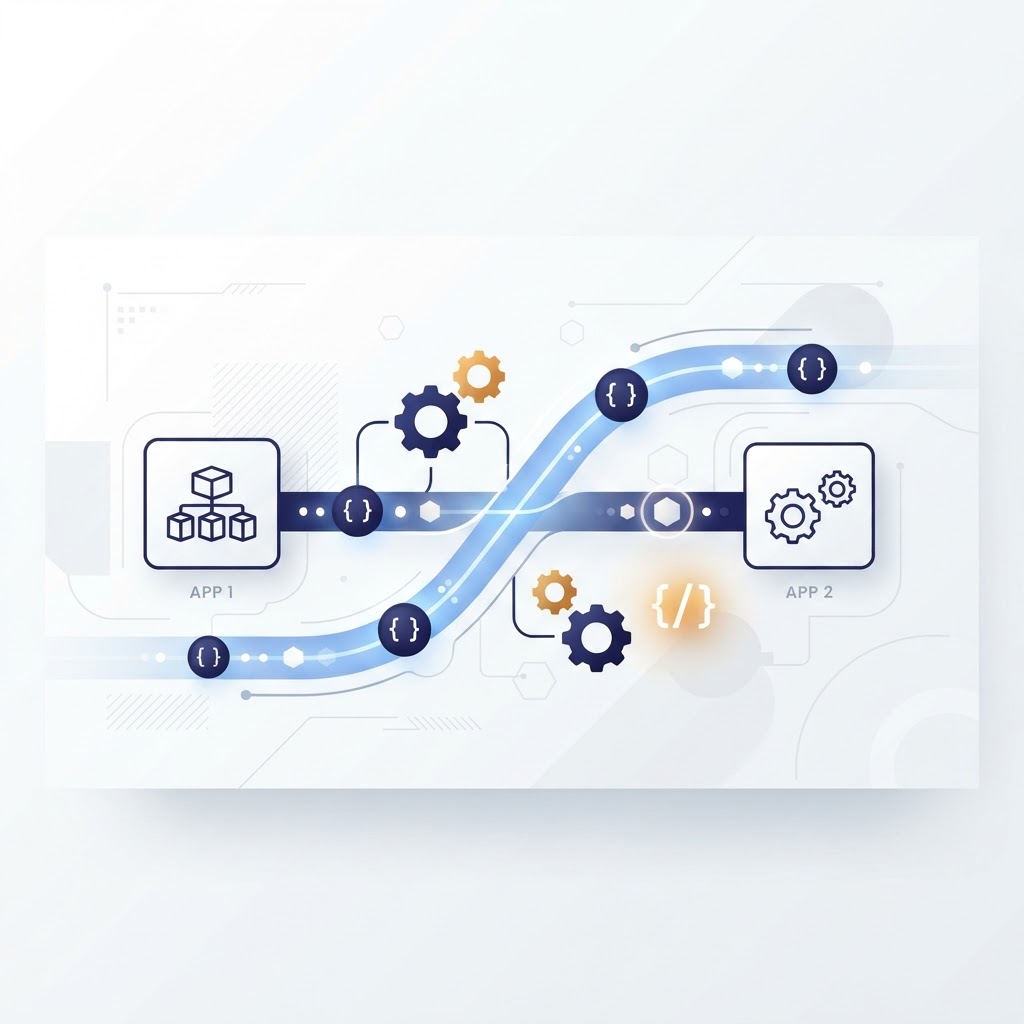

Modern software does not work in isolation. Your CRM talks to your email platform, your payment gateway talks to your accounting system, and your mobile app talks to your backend servers. The connective tissue between all these systems is the API, or Application Programming Interface. But as the number of APIs grows, testing and managing them by hand becomes unsustainable. That is where API automation comes in.
In this article, we break down what API automation is, how it differs from API testing, the types of tasks it covers, the tools teams use, and the best practices that make it work.
What Is API Automation?
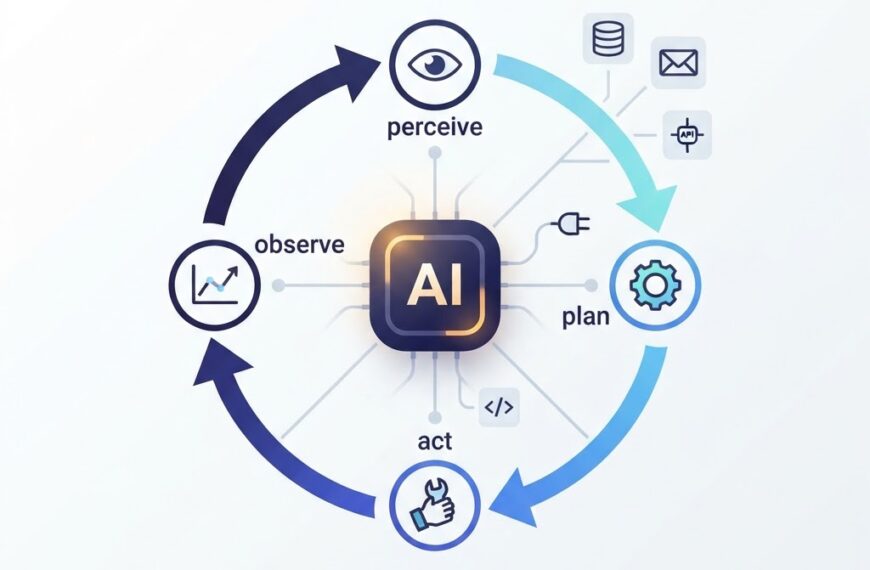
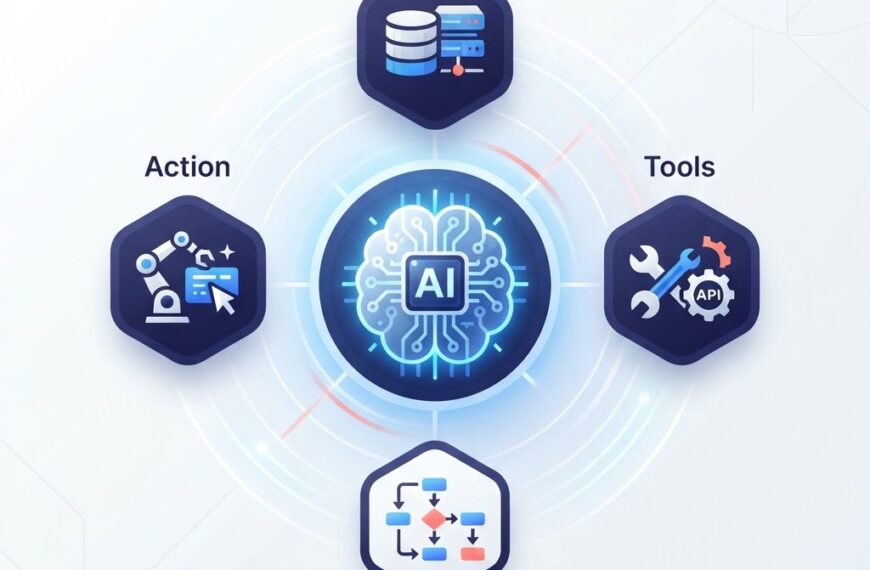
API automation is the use of programmed instructions and scripts to let software systems communicate and trigger actions through their APIs with minimal human intervention. Instead of a person manually sending a request to an endpoint and checking the response, a script or workflow handles it automatically, often as part of a larger pipeline.
This can mean different things depending on context:
- API test automation automatically validates that an API behaves correctly, returning the right data, handling errors gracefully, and performing within acceptable limits.
- API workflow automation chains multiple API calls together to accomplish a business process, such as creating a user, sending a welcome email, and updating a CRM record, all without manual steps.
- API integration automation uses APIs to connect disparate systems so data flows between them reliably and on schedule.
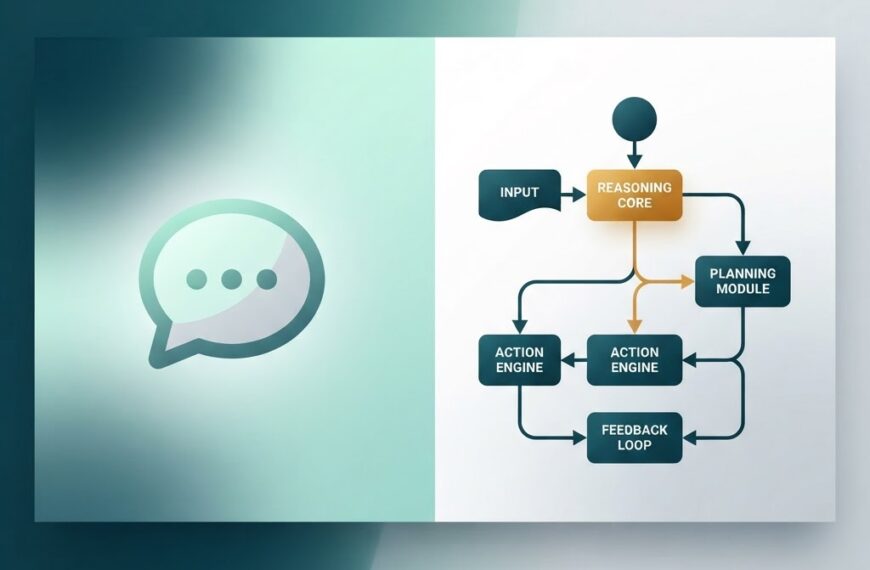
API Automation vs API Testing
These two terms are related but not the same. Understanding the distinction matters.
| Aspect | API Automation | API Testing |
|---|---|---|
| Goal | Streamline execution of API-driven tasks | Verify API quality and correctness |
| Who runs it | Scripts, pipelines, orchestration tools | Testers, developers, automated test suites |
| Human involvement | Minimal or none | Can be manual or automated |
| Focus | Getting things done through APIs | Confirming APIs work as expected |
API testing evaluates functionality, reliability, performance, and security. API automation focuses on using scripts and workflows to perform tasks automatically. In practice, the two overlap heavily: automated API testing is itself a form of API automation, and many teams use the terms interchangeably in day-to-day conversation.
Why Teams Automate Their APIs
Manual API testing is slow, repetitive, and error-prone. As systems grow to dozens or hundreds of endpoints, the effort required to validate each one after every change quickly exceeds what a human team can manage. Automation solves several problems at once.
Faster Feedback Loops
When API tests run automatically after every code change, developers learn about problems within minutes instead of days. A CI/CD pipeline can execute a suite of API tests on every pull request, catching regressions before they reach production.
Consistency and Repeatability
An automated test runs the same way every time. It does not skip steps, forget edge cases, or get tired at the end of a long day. This consistency is especially valuable in regulated environments where audit trails matter.
Scalability
Manual testing scales linearly with headcount. Automation scales with compute resources. Running 500 API tests in parallel across a test environment takes the same human effort as running 5, once the automation is in place.
Earlier Bug Detection
API-level tests run faster than UI tests because they bypass the presentation layer. Teams can execute them early in the development cycle, identifying contract violations, data format errors, and authentication issues before anyone builds a screen on top of the API.
Types of API Tests You Can Automate
Different layers of API testing lend themselves to automation. Based on guidance from IBM and Postman, here are the main categories.
Functional Testing
Functional tests verify that an API does what it is supposed to do. Does the endpoint return the correct data for a valid request? Does it return an appropriate error for an invalid one? Because functional tests focus on inputs and outputs, they are natural candidates for automation.
Integration Testing
Integration tests check that an API communicates properly with other services, databases, and components. For example, does the orders API correctly write to the inventory database and notify the shipping service? Automated integration tests validate these cross-system interactions reliably.
Performance Testing
Performance tests measure how an API behaves under load. Tools can generate large-scale, repeatable workloads that humans cannot reproduce manually. This includes load testing, stress testing, and soak testing to find bottlenecks and capacity limits.
Security Testing
Automated security tests check for common vulnerabilities such as missing authentication, improper authorization, injection flaws, and sensitive data exposure. These tests can run continuously as part of a DevSecOps pipeline.
Common API Protocols
API automation deals with several protocol types. The three most common are:
- REST (Representational State Transfer): The dominant style for web APIs. REST APIs use standard HTTP methods like GET, POST, PUT, and DELETE, and typically exchange data in JSON format.
- SOAP (Simple Object Access Protocol): A more structured protocol that uses XML for message formatting and often relies on WSDL (Web Services Description Language) for contract definition. Common in enterprise environments.
- GraphQL: A query language for APIs that lets clients request exactly the data they need, no more and no less. Growing in popularity for applications with complex data requirements.
Most modern automation tools support all three, though REST is by far the most common in new projects.
Popular API Automation Tools
Several tools have become industry standards for API automation. Here is a practical overview.
Postman
Postman started as a browser extension for sending HTTP requests and has grown into a full API platform. It supports test scripting in JavaScript, automated test runs via its CLI tool Newman, CI/CD integrations, and team collaboration. Postman is widely used for both manual exploration and automated test suites.
REST Assured
REST Assured is a Java library for testing REST APIs. It integrates naturally with existing Java test frameworks like JUnit and TestNG, making it a popular choice for teams already working in the Java ecosystem.
Playwright
Originally a browser automation tool, Playwright also supports API testing. It can validate API responses and then use that data in subsequent UI interactions, making it useful for end-to-end testing that spans both layers.
Apache JMeter
JMeter is primarily a load testing tool, but it also supports functional API testing. It is open source and can simulate heavy loads on APIs, databases, and other services to measure performance under stress.
SoapUI
SoapUI is designed for testing SOAP and REST web services. It supports functional, security, and load testing, and offers both open-source and commercial versions.
How API Automation Fits Into CI/CD
Continuous Integration and Continuous Deployment (CI/CD) pipelines are where API automation delivers the most value. A typical workflow looks like this:
- A developer pushes code to a repository.
- The CI pipeline builds the application and deploys it to a test environment.
- Automated API tests run against the test environment.
- If all tests pass, the pipeline proceeds to staging or production.
- If any test fails, the pipeline halts and the developer receives immediate feedback.
This approach, recommended by both Postman and Tricentis, ensures that breaking changes are caught before they reach users.
Best Practices for API Automation
Based on guidance from Postman, IBM, and Tricentis, here are practices that make API automation effective.
Do Not Automate Flaky Tests
If a test passes and fails unpredictably without any code change, automating it will erode trust in your entire test suite. Fix or remove flaky tests before adding them to automated pipelines.
Start With the Most Stable Endpoints
Begin with APIs that change rarely and have well-documented contracts. These give you a reliable baseline. Expand coverage gradually as your confidence grows.
Test the Right Things
Focus on contract validation, error handling, authentication, authorization, and data integrity. Do not just check that an endpoint returns a 200 status code; verify the structure and content of the response.
Keep Tests Independent
Each test should set up its own data and clean up after itself. Tests that depend on execution order or shared state are fragile and hard to debug.
Version Your Test Suites
As your API evolves, your tests will too. Keep test suites versioned alongside your API so you always know which tests apply to which version.
Run Tests Early and Often
The earlier tests run in the development cycle, the cheaper bugs are to fix. Configure your pipeline to run API tests on every commit, not just nightly or weekly.
Common Challenges
API automation is not without difficulties. Teams frequently encounter:
- Authentication complexity: OAuth tokens, API keys, and session management add overhead to test setup.
- Environment differences: APIs may behave differently in test, staging, and production environments, making it hard to maintain consistent test data.
- Third-party dependencies: Tests that call external APIs can fail for reasons outside your control. Use mocks or stubs for external services in automated suites.
- Maintenance burden: As APIs change, test suites need updates. Without discipline, test code can become a liability.
API Automation in the Real World
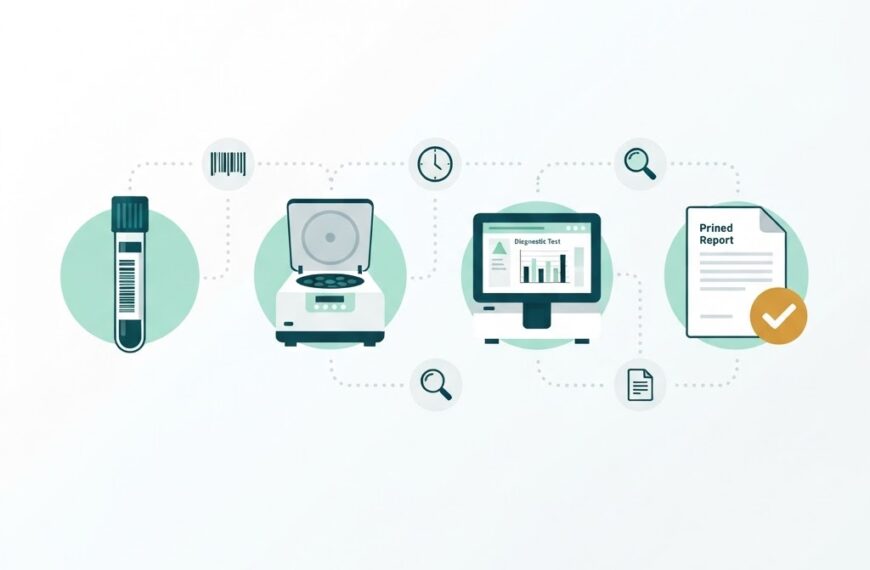
Consider a diagnostic laboratory running a LIMS like IdLabNet. The LIMS exposes APIs for registering samples, fetching test results, generating reports, and syncing with collection centre systems. Automating the tests for these APIs ensures that every time the LIMS is updated, the critical workflows still function correctly. A broken sample registration API caught by an automated test in CI is far less costly than one discovered when a collection centre tries to register a sample during business hours.
This principle extends to any software company building APIs. As we discussed in our guide to SaaS, most SaaS products are API-driven at their core. And as the AI agents space grows, agents themselves increasingly rely on well-tested APIs to interact with external services.
Getting Started
If your team is new to API automation, start small:
- Pick one tool that fits your technology stack. Postman is a good general-purpose starting point.
- Identify your most critical API endpoints and write functional tests for them.
- Integrate the tests into your CI pipeline so they run on every code change.
- Expand coverage gradually, adding integration and performance tests as you go.
- Review and refine your test suite regularly to keep it fast, reliable, and relevant.
API automation is not a one-time project. It is an ongoing practice that compounds value over time. The investment pays off in faster releases, fewer production incidents, and more confident development teams.
Conclusion
API automation lets teams validate and orchestrate their APIs at a scale that manual testing cannot match. By automating functional, integration, performance, and security tests, and integrating them into CI/CD pipelines, teams catch problems early, ship faster, and maintain quality as their systems grow. The tools are mature, the practices are well-documented, and the payoff is real. If your software depends on APIs, and most modern software does, automation is not optional, it is essential.
To explore how Ideativemind builds API-driven software and laboratory systems, visit IdLabNet or contact us.


 By
By